Getting started with Integration
Connect BSuit to external systems: endpoints, API keys, sync flows, and the dead-letter queue.
On this page
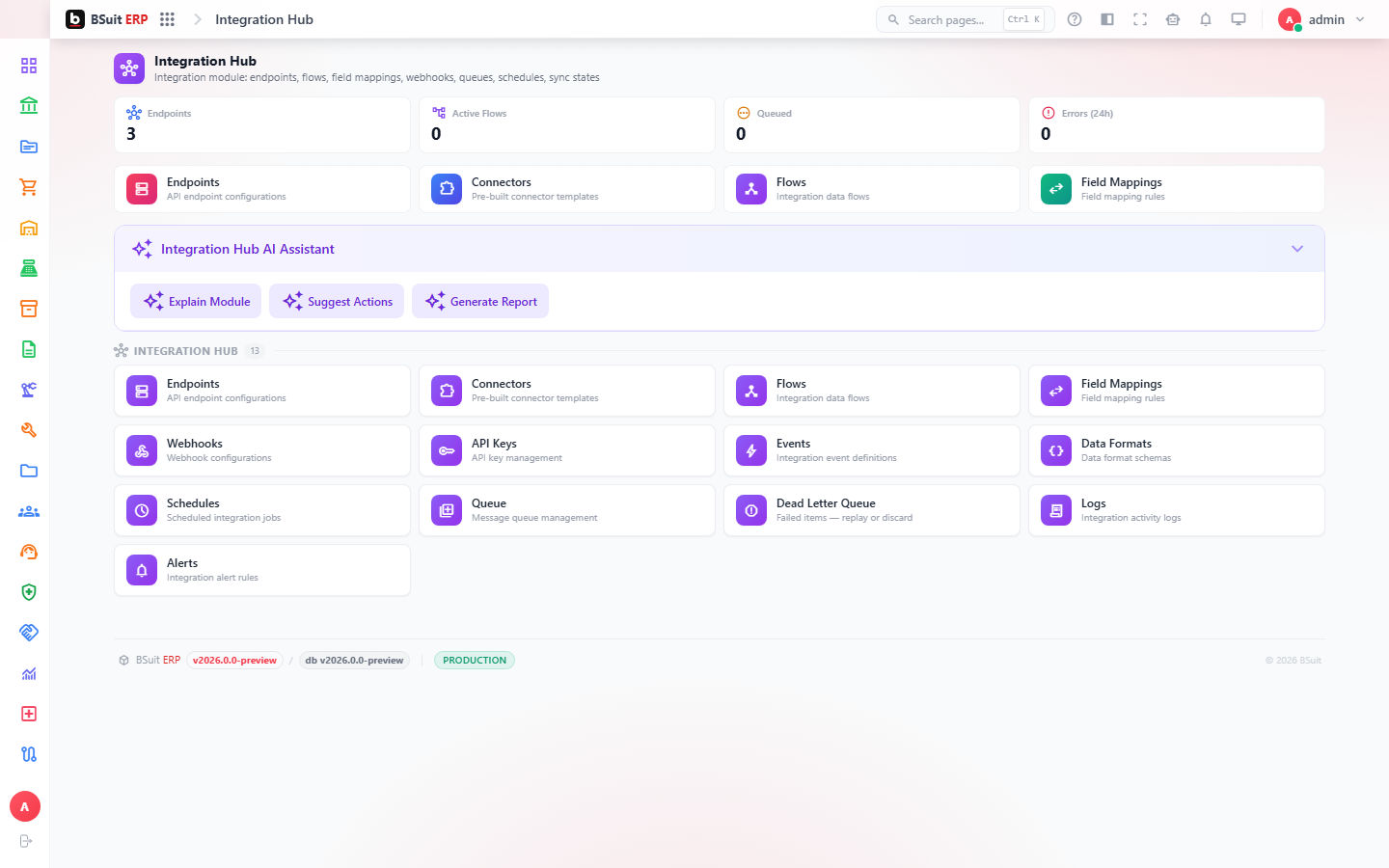
#How the module is organized
Endpoints and Api Keys define what external systems can connect and how; Connectors and Flows define what data moves and when; Field Mappings translate between BSuit’s schema and the external one. Events and Logs record what actually happened; the Dead Letter Queue holds messages that failed to process so nothing silently disappears.
#Where to start
- Check the Dead Letter Queue first when integrated data appears to be missing — a failed message is far more likely than a silent drop.
- Entity Sync States shows the last-known sync status per record, useful for spotting a stuck integration before it becomes a bigger gap.
- Schedules controls how often a Flow runs — a "missing" real-time update may just be waiting for its next scheduled run.
- Rotate Api Keys periodically; Alerts can notify you before one expires rather than after it breaks.
About this guide
- Status
- Partially reviewed
- Application
- BSuit ERP
- Audience
- Staff (internal users)
- Owner
- BSuit documentation team
- Reviewer
- Not yet reviewed
- Last verified
- Never
- Checked against
- Generated from source revision a36c7a086 on 2026-10-02
- Seen on a running system
- Not yet
- Help version
- 2026.0.0-preview
- Guide ID
erp:article/modules/integration
Was this helpful?