Getting started with Legal Practice
Matter management, time entries, and client invoicing for a legal practice.
On this page
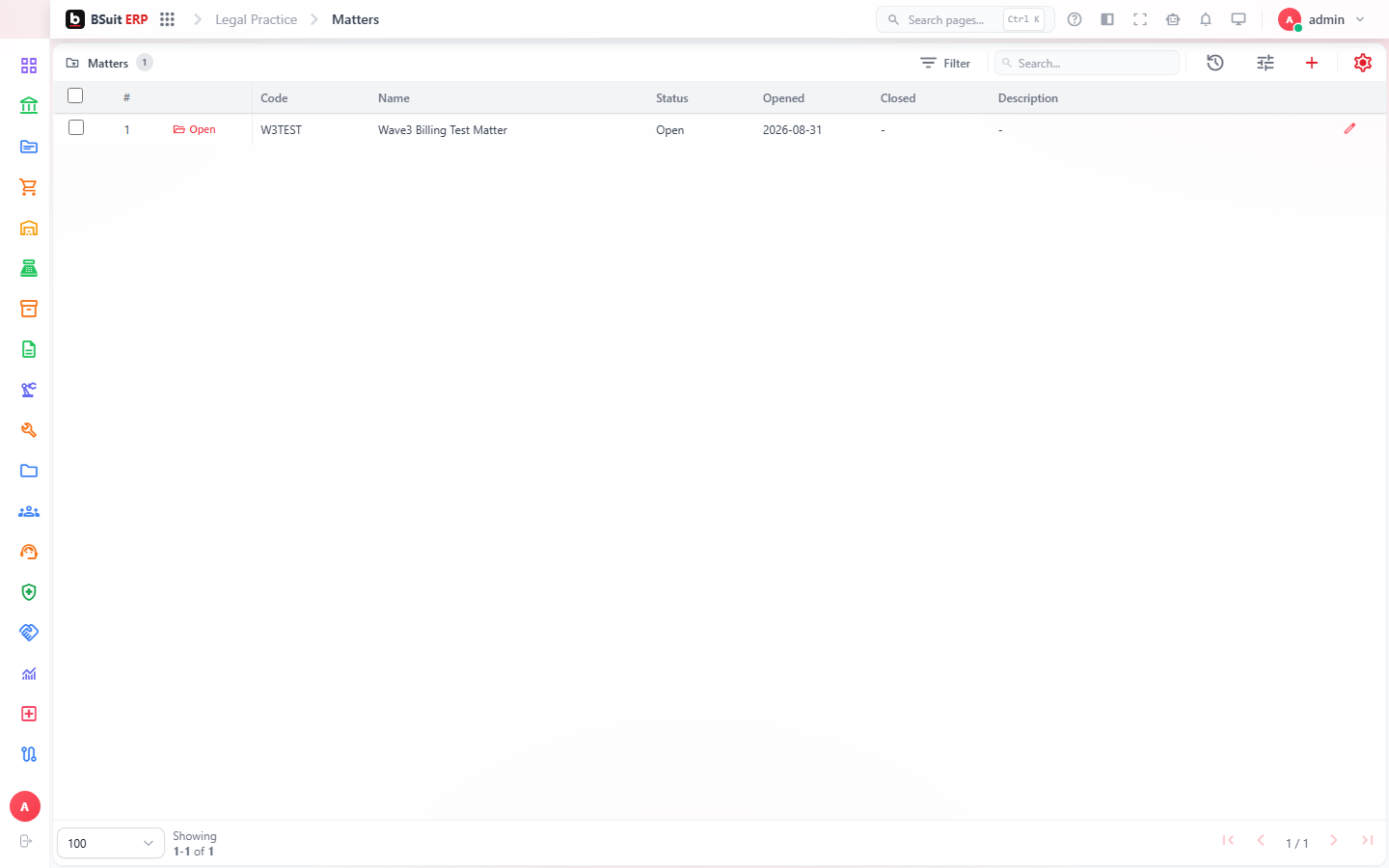
#How the module is organized
Matters are the core record — one per client engagement/case. Time Entries are logged against a Matter as work is done; those entries roll up into an Invoice for the client.
#Where to start
- Create the Matter before logging any Time Entries against it.
- Log Time Entries as work happens, not retroactively at invoice time — accuracy matters for billable-hour disputes.
- An Invoice pulls unbilled Time Entries from a Matter — check for entries still marked unbilled if an invoice total looks low.
About this guide
- Status
- Partially reviewed
- Application
- BSuit ERP
- Audience
- Staff (internal users)
- Owner
- BSuit documentation team
- Reviewer
- Not yet reviewed
- Last verified
- Never
- Checked against
- Generated from source revision a36c7a086 on 2026-10-02
- Seen on a running system
- Not yet
- Help version
- 2026.0.0-preview
- Guide ID
erp:article/modules/legal-practice
Was this helpful?