Getting started with License Management
License plans, client licenses, and requesting/generating new licenses.
On this page
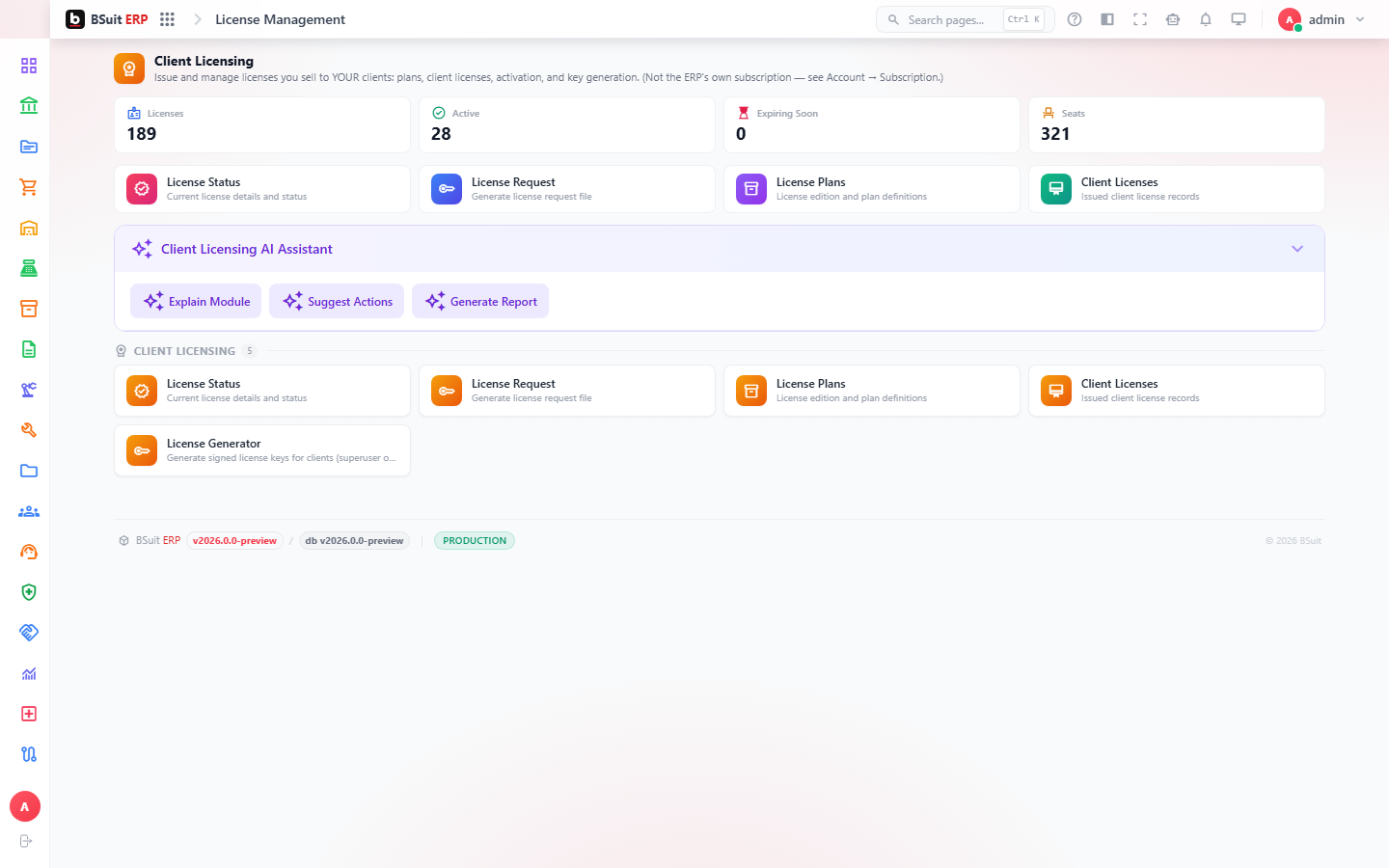
#How the module is organized
Plans define what a license tier includes (seats, modules, limits); Client Licenses are the actual issued licenses tied to a specific tenant/company. License Request is how a new or expanded license gets asked for; License Generator (typically an internal/owner-side tool) issues the signed license file itself.
#Where to start
- A Client License is only as good as the Plan it’s issued against — check the Plan first if a feature seems unexpectedly unavailable.
- License Status shows current seat usage and expiry — check it before assuming a license problem is a bug.
- License Request is the correct path for asking for more seats or a plan change, not editing a Client License directly.
About this guide
- Status
- Partially reviewed
- Application
- BSuit ERP
- Audience
- Staff (internal users)
- Owner
- BSuit documentation team
- Reviewer
- Not yet reviewed
- Last verified
- Never
- Checked against
- Generated from source revision a36c7a086 on 2026-10-02
- Seen on a running system
- Not yet
- Help version
- 2026.0.0-preview
- Guide ID
erp:article/modules/license-management
Was this helpful?