Getting started with Sales
Quote-to-cash: Quotation → Order → Invoice, plus pricing, loyalty, commissions, and delivery.
On this page
#How the module is organized
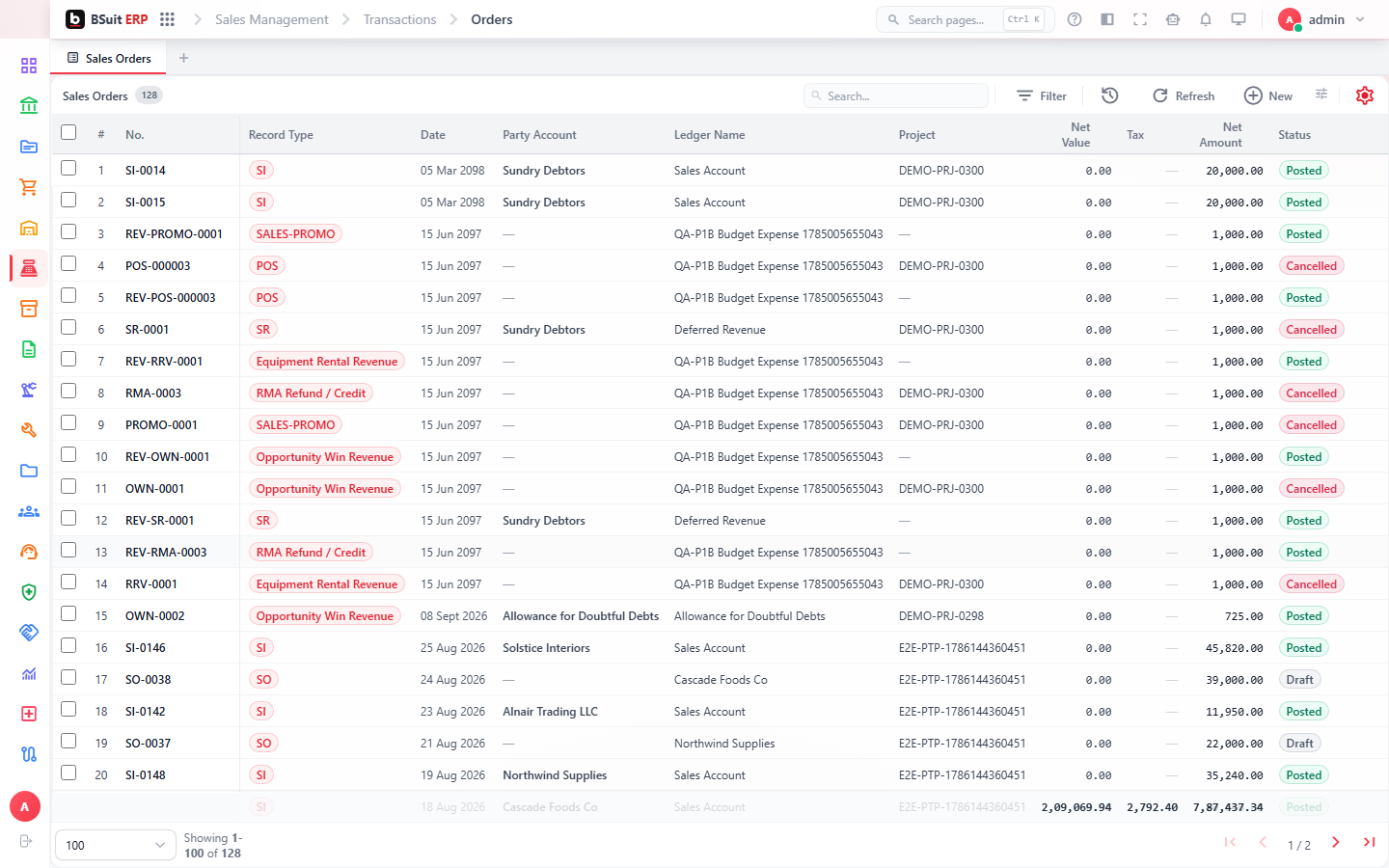
The core document flow is Sales Quotation → Sales Order → Sales Invoice, with Sales Return handling reversals and Estimate for informal pricing before a quotation. Customer Price Lists and Sales Promotions control what a customer pays; Loyalty Program, Loyalty Tiers, and Loyalty Rewards run repeat-customer incentives; Commission Rules and Commission Payouts calculate what sales staff earn.
#Where to start
- A Sales Order can be created directly or converted from an approved Sales Quotation.
- Sales Invoice is generated from a Sales Order (or a Delivery Note, if goods ship before billing).
- Delivery Notes and Delivery Routes cover the fulfillment side once an order is confirmed.
- Customer Price Lists apply automatically once assigned to a customer — check Pending Price Review if pricing looks wrong.
- Cash Customers is a lighter checkout path for walk-in / no-account sales.
About this guide
- Status
- Partially reviewed
- Application
- BSuit ERP
- Audience
- Staff (internal users)
- Owner
- BSuit documentation team
- Reviewer
- Not yet reviewed
- Last verified
- Never
- Checked against
- Generated from source revision a36c7a086 on 2026-10-02
- Seen on a running system
- Not yet
- Help version
- 2026.0.0-preview
- Guide ID
erp:article/modules/sales
Was this helpful?