Getting started with Travel & Expense
Travel requests, expense reports, and per diem rates.
On this page
#How the module is organized
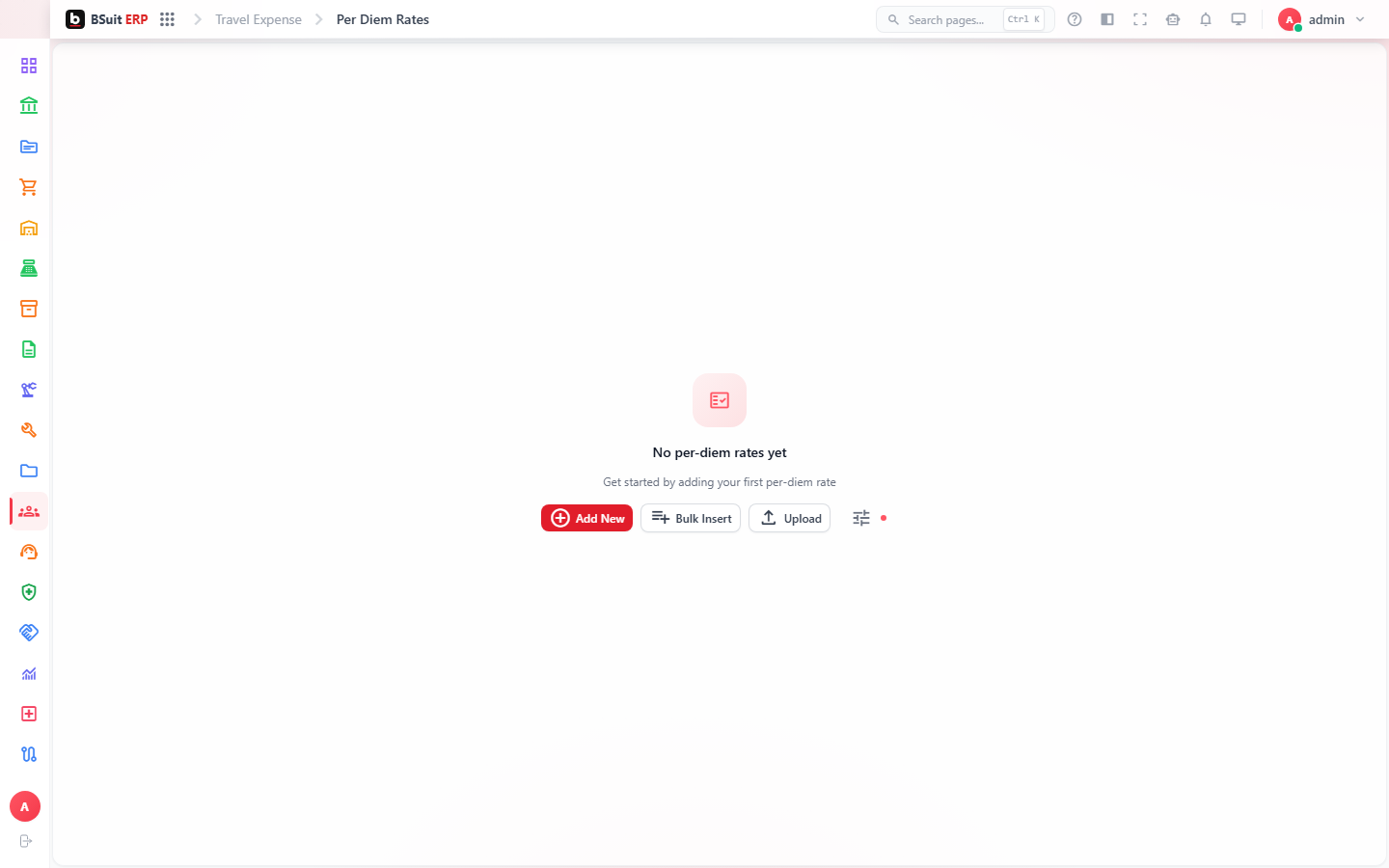
Travel Requests are submitted and approved before a trip happens; Per Diem Rates define the allowance for meals/incidentals by location/grade. Expense Reports are filed afterward (or independent of travel, for any reimbursable expense) and post through Expense GL Posting Config once approved.
#Where to start
- Submit a Travel Request before booking, if pre-trip approval is required by policy.
- Per Diem Rates apply automatically once the trip location/dates are set — check them before manually entering a meal allowance.
- Expense Reports doesn’t require a linked Travel Request — routine reimbursable expenses can be filed directly.
About this guide
- Status
- Partially reviewed
- Application
- BSuit ERP
- Audience
- Staff (internal users)
- Owner
- BSuit documentation team
- Reviewer
- Not yet reviewed
- Last verified
- Never
- Checked against
- Generated from source revision a36c7a086 on 2026-10-02
- Seen on a running system
- Not yet
- Help version
- 2026.0.0-preview
- Guide ID
erp:article/modules/travel-expense
Was this helpful?