Navigation and global search
Move quickly between modules, pages, and records with navigation and keyboard shortcuts.
On this page
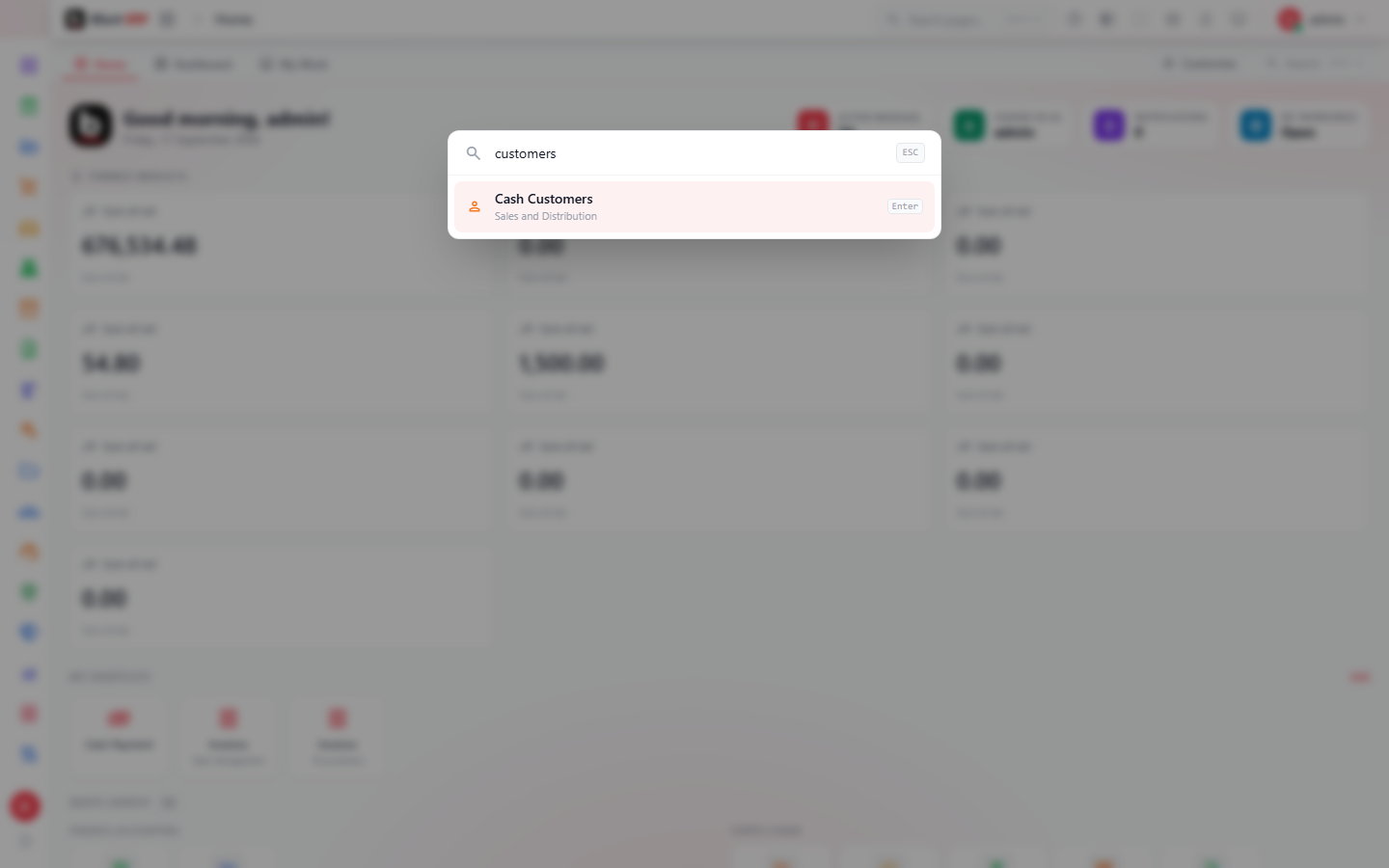
#Open global search
- Press Ctrl+K on Windows or Command+K on macOS.
- Type a page, module, or supported record name.
- Use arrow keys to select a result and Enter to open it.
#Contextual help
Select the question-mark action in the top bar from any page. BSuit Help opens the closest matching guide in a new tab, so your current work remains open.
About this guide
- Status
- Partially reviewed
- Application
- BSuit ERP
- Audience
- All BSuit users
- Owner
- BSuit documentation team
- Reviewer
- Not yet reviewed
- Last verified
- Never
- Checked against
- Generated from source revision a36c7a086 on 2026-10-02
- Seen on a running system
- Not yet
- Help version
- 2026.0.0-preview
- Guide ID
erp:article/getting-started/navigation-and-search
Was this helpful?