Request temporary access
Request time-bound access and understand approval, expiry, and separation-of-duties checks.
On this page
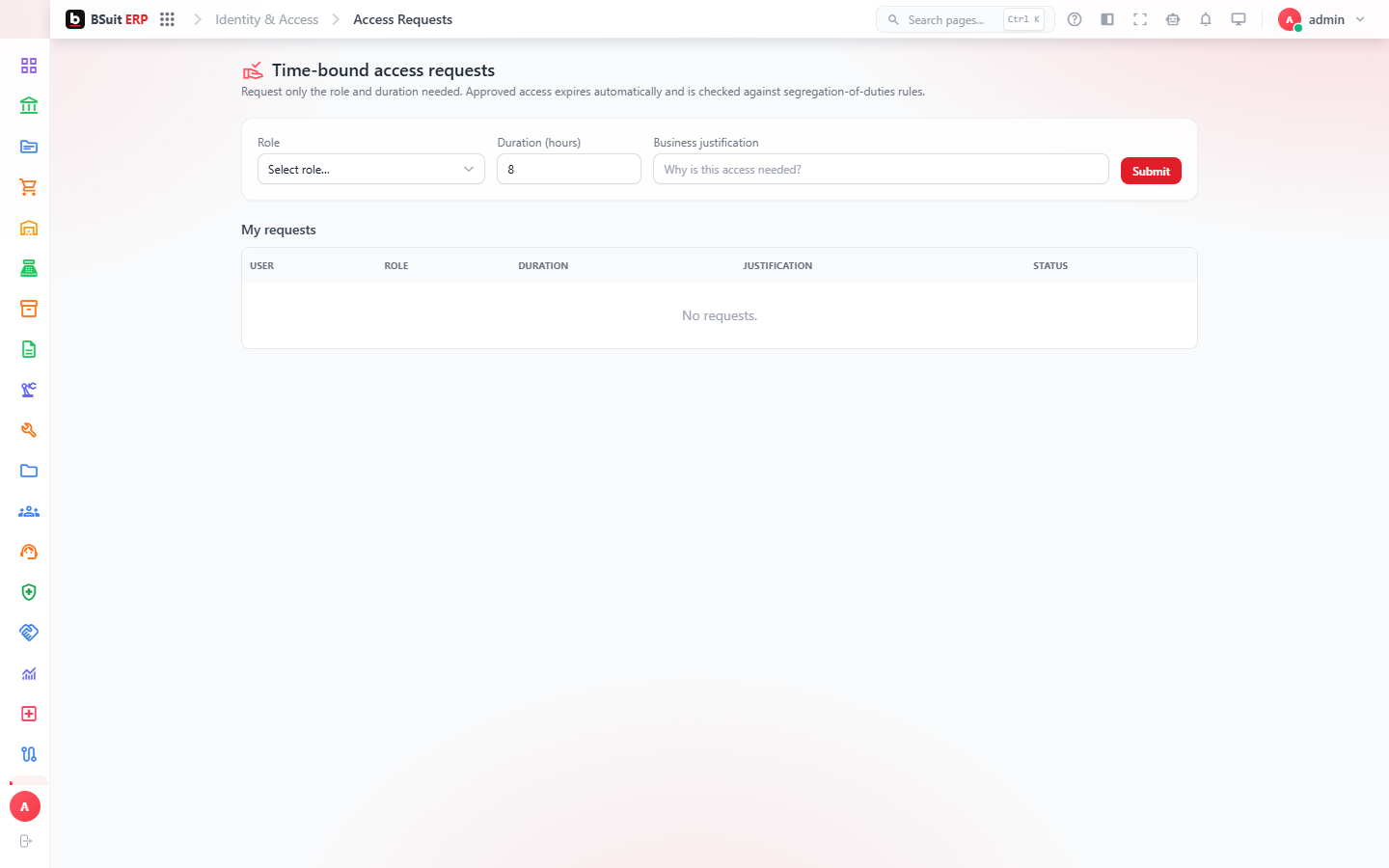
#Submit a request
- Choose an available business role.
- Explain the business reason for access.
- Select a duration no longer than required.
- Submit and monitor the request status.
#What happens after approval
Approved membership becomes effective for the approved period and expires automatically. Conflicting access can be blocked by separation-of-duties policy.
About this guide
- Status
- Partially reviewed
- Application
- BSuit ERP
- Audience
- Staff (internal users)
- Owner
- BSuit documentation team
- Reviewer
- Not yet reviewed
- Last verified
- Never
- Checked against
- Generated from source revision a36c7a086 on 2026-10-02
- Seen on a running system
- 2026-09-21
- Help version
- 2026.0.0-preview
- Guide ID
erp:/identity/access-requests
Was this helpful?