Getting started with Identity & Access
Roles, permissions, access requests and reviews — see also the dedicated Permission Manager and Request Temporary Access guides.
On this page
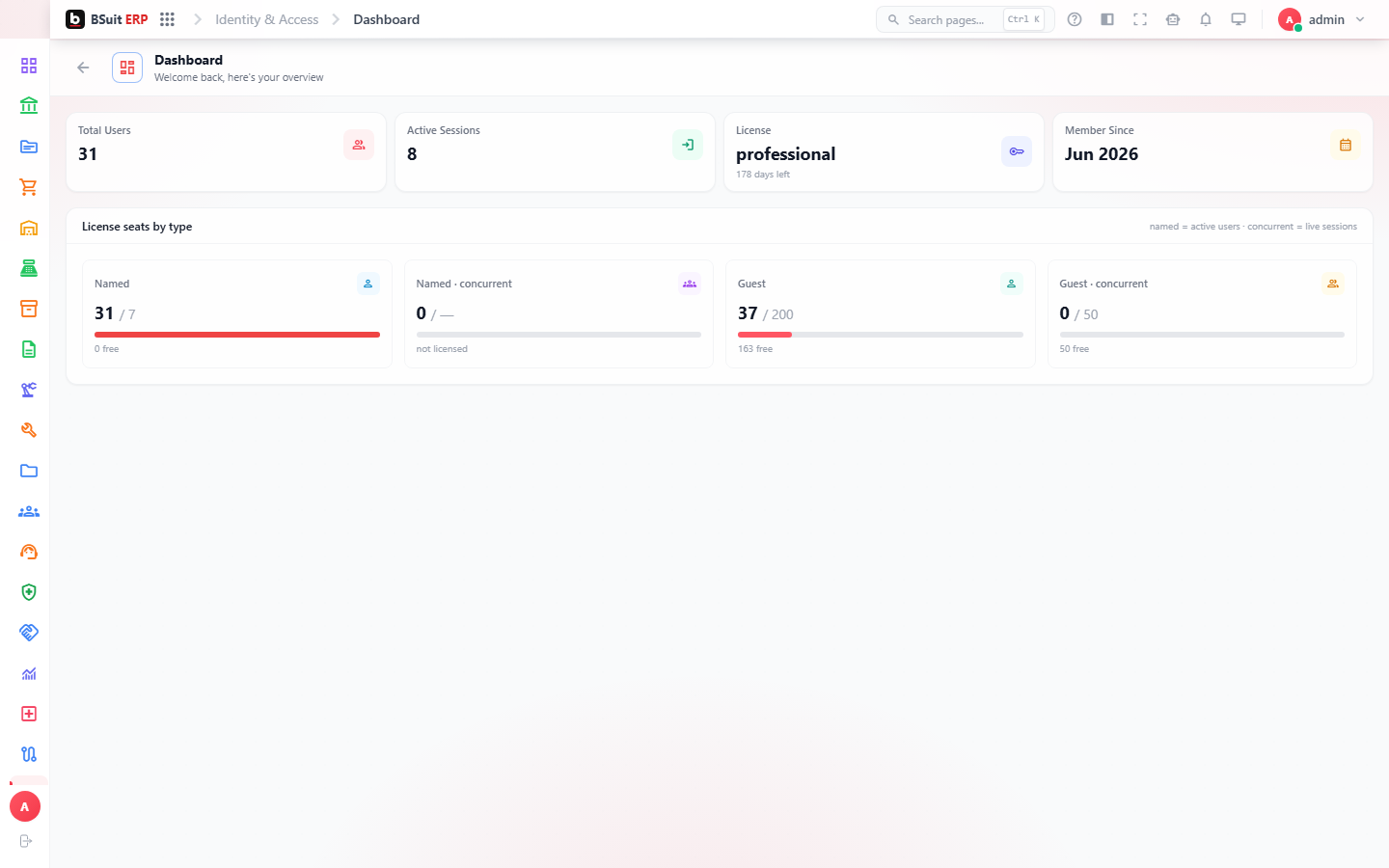
#How the module is organized
User Roles group permissions that get assigned to Users; the Authorization Matrix and Effective Permissions views show what a role or user can actually do once every grant, restriction, and inherited permission is combined. Access Requests handle time-bound elevated access; Access Review is the periodic recertification process (confirming existing access is still needed). Permission Audit records who changed what access, when.
#Where to start
- See the dedicated Permission Manager guide for configuring role access to entities, record types, and fields.
- See Request temporary access for how to request and approve time-bound elevated access.
- Use Effective Permissions to check what a specific user can actually do — the Authorization Matrix shows the same information at the role level.
- Access Review is a periodic compliance task, not a one-time setup step — expect recurring cycles.
About this guide
- Status
- Partially reviewed
- Application
- BSuit ERP
- Audience
- Staff (internal users)
- Owner
- BSuit documentation team
- Reviewer
- Not yet reviewed
- Last verified
- Never
- Checked against
- Generated from source revision a36c7a086 on 2026-10-02
- Seen on a running system
- Not yet
- Help version
- 2026.0.0-preview
- Guide ID
erp:article/modules/identity-access
Was this helpful?