Getting started with Contract Management
Contracts, clauses, milestones, change orders (CO/COR/DCOR), and compliance tracking.
On this page
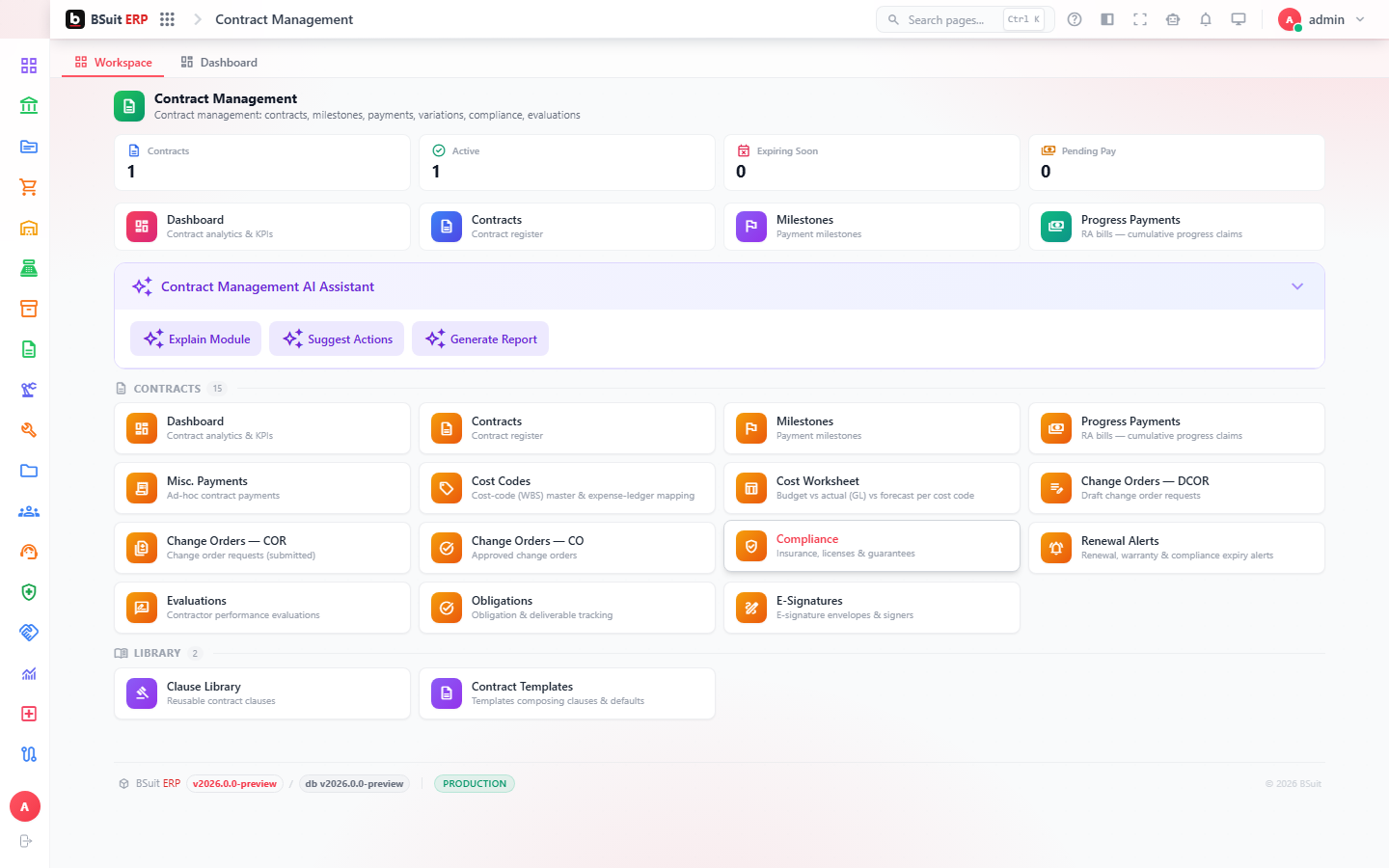
#How the module is organized
Contracts are built from Contract Templates and Contract Clauses; Contract Obligations and Compliance track ongoing commitments after signing. Milestones are the billable/trackable transaction against a contract. Co, Cor, and Dcor (Change Order / Change Order Request / Draft Change Order Request) manage scope changes at different approval stages.
#Where to start
- Contract Alerts flag upcoming renewal/expiry dates — review them rather than tracking dates manually.
- A change to signed scope should go through Cor (a request) before becoming a Co (an approved change), not a direct edit to the Contract.
- The Cost Worksheet shows the financial impact of a contract including its change orders.
- Signature Envelopes track the e-signature status of a contract document.
About this guide
- Status
- Partially reviewed
- Application
- BSuit ERP
- Audience
- Staff (internal users)
- Owner
- BSuit documentation team
- Reviewer
- Not yet reviewed
- Last verified
- Never
- Checked against
- Generated from source revision a36c7a086 on 2026-10-02
- Seen on a running system
- Not yet
- Help version
- 2026.0.0-preview
- Guide ID
erp:article/modules/contract-management
Was this helpful?