Getting started with CRM & Sales
Leads and pipeline: Accounts, Contacts, Opportunities, campaigns, and forecasting.
On this page
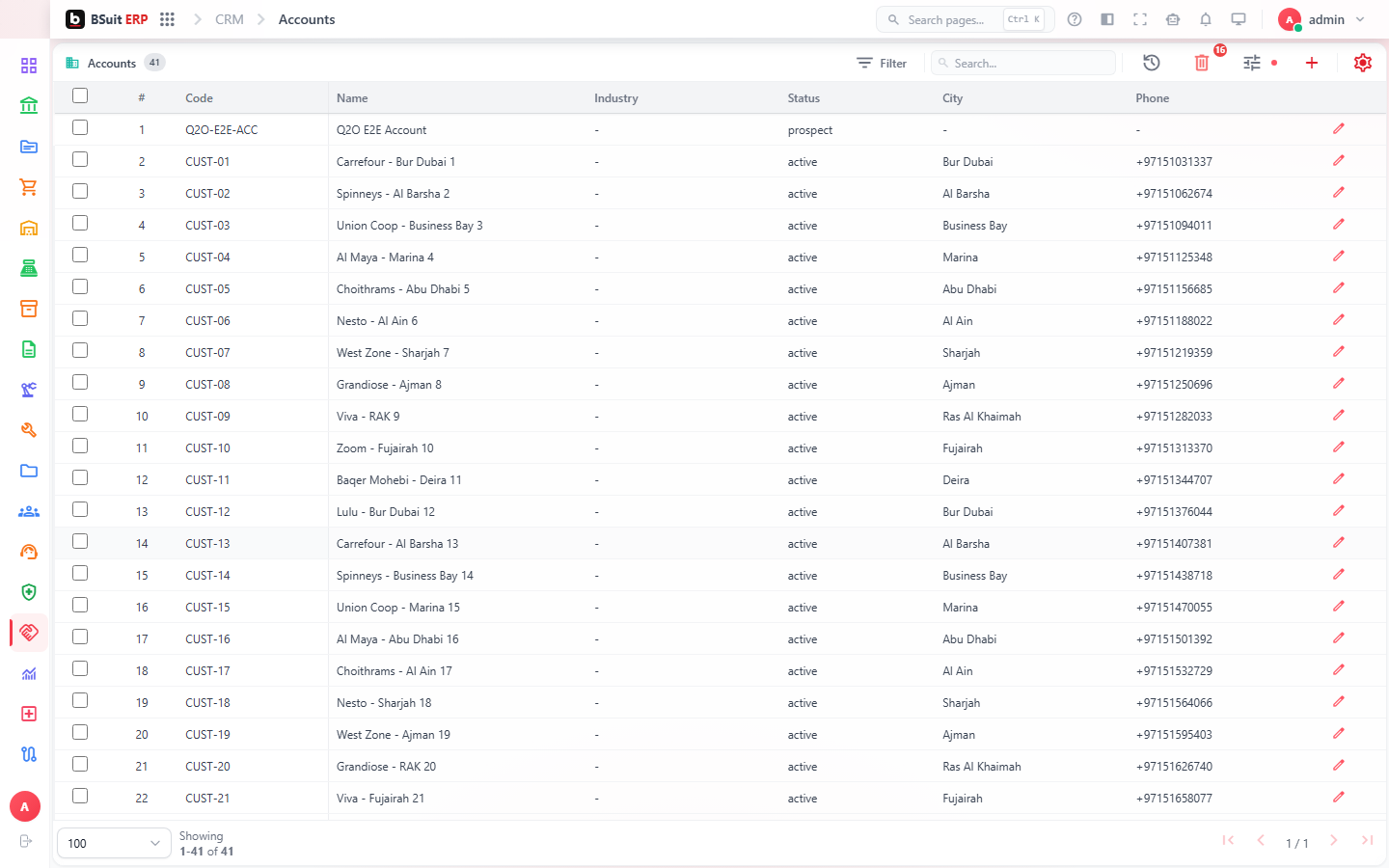
#How the module is organized
Accounts and Contacts are the people/companies you sell to; Opportunities track a specific deal through the Pipeline Board. Lead Scoring Rules and Lead Segments prioritize inbound interest before it becomes an Opportunity. Campaigns, Campaign Types, and Campaign Members run outbound marketing; Sales Sequences automate multi-step outreach.
#Where to start
- Create an Account before its Contacts — a Contact belongs to an Account.
- Use the Pipeline Board for a visual view of Opportunities by stage rather than the raw list.
- Lead Scoring Rules run automatically — check Lead Segments if a lead isn’t routing where expected.
- Sales Forecast rolls up Opportunities by expected close date and probability — keep those fields current for it to be useful.
- Knowledge Base articles can be linked directly into a ticket or opportunity for context.
About this guide
- Status
- Partially reviewed
- Application
- BSuit ERP
- Audience
- Staff (internal users)
- Owner
- BSuit documentation team
- Reviewer
- Not yet reviewed
- Last verified
- Never
- Checked against
- Generated from source revision a36c7a086 on 2026-10-02
- Seen on a running system
- Not yet
- Help version
- 2026.0.0-preview
- Guide ID
erp:article/modules/crm-sales
Was this helpful?