Getting started with Document Management
Document storage, retention policies, transmittals, CAD/plan viewing, and controlled sharing.
On this page
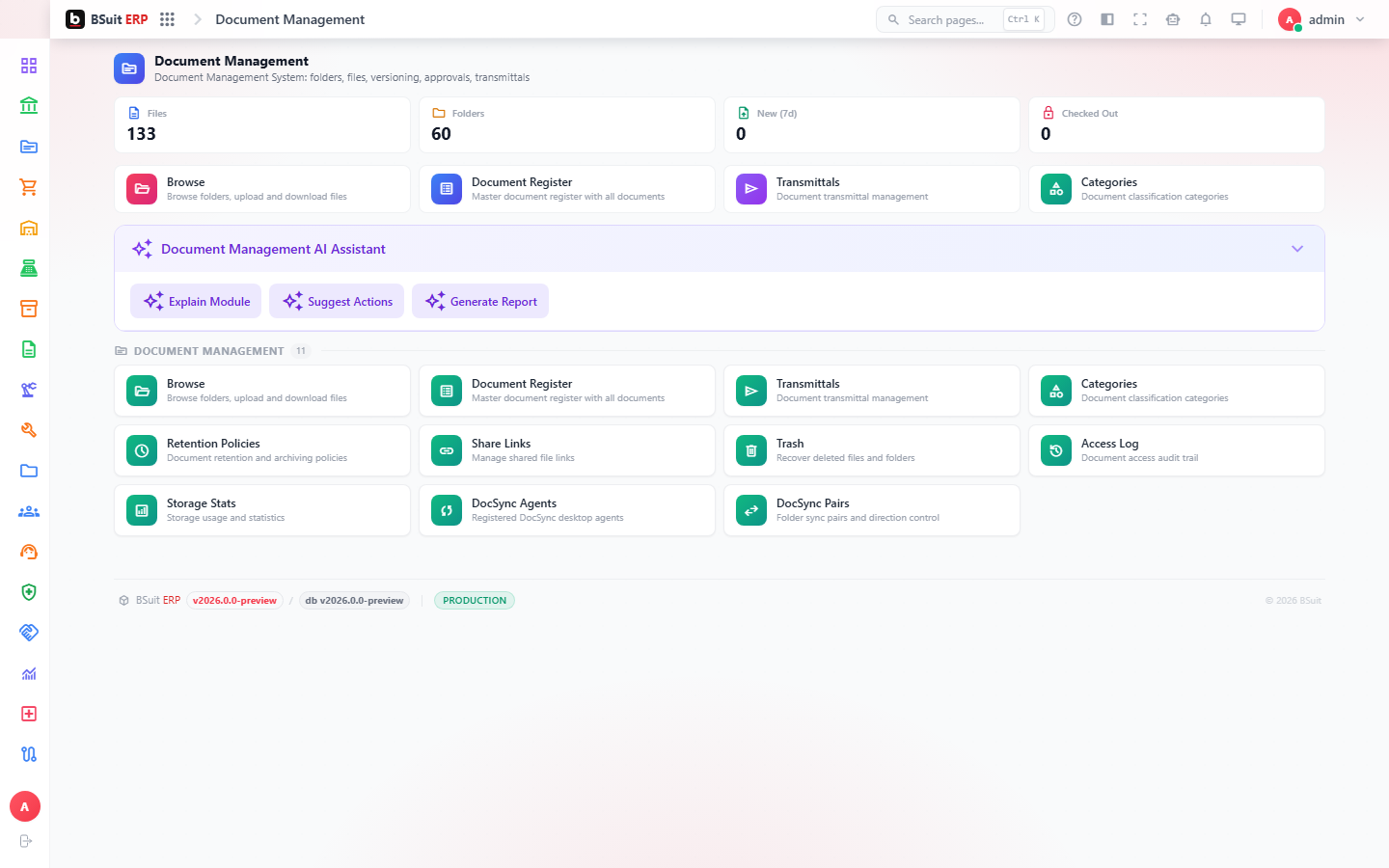
#How the module is organized
Browse is the general document library, organized by Categories with Retention Policies controlling how long items are kept. Document Register and Transmittals are the formal, auditable document-control transaction (issuing/receiving controlled documents); Access Logs and Share Links track who saw what. CAD Viewer and Plan Markup support engineering drawings specifically.
#Where to start
- Use the Document Register (not a plain upload) for anything that needs a formal issue/revision history.
- Retention Policies apply automatically once set on a Category — check them before assuming a document was deleted by mistake.
- Share Links let you share outside BSuit without granting a real account — check Access Logs for exposure.
- Docsync Pairs / Docsync Registrations connect this module to an external sync source (e.g. OneDrive) — not needed for manually uploaded documents.
About this guide
- Status
- Partially reviewed
- Application
- BSuit ERP
- Audience
- Staff (internal users)
- Owner
- BSuit documentation team
- Reviewer
- Not yet reviewed
- Last verified
- Never
- Checked against
- Generated from source revision a36c7a086 on 2026-10-02
- Seen on a running system
- Not yet
- Help version
- 2026.0.0-preview
- Guide ID
erp:article/modules/document-management
Was this helpful?