Getting started with Human Resources
Employee records, attendance, recruitment, compliance, and the Employee 360 view of a person’s full HR history.
On this page
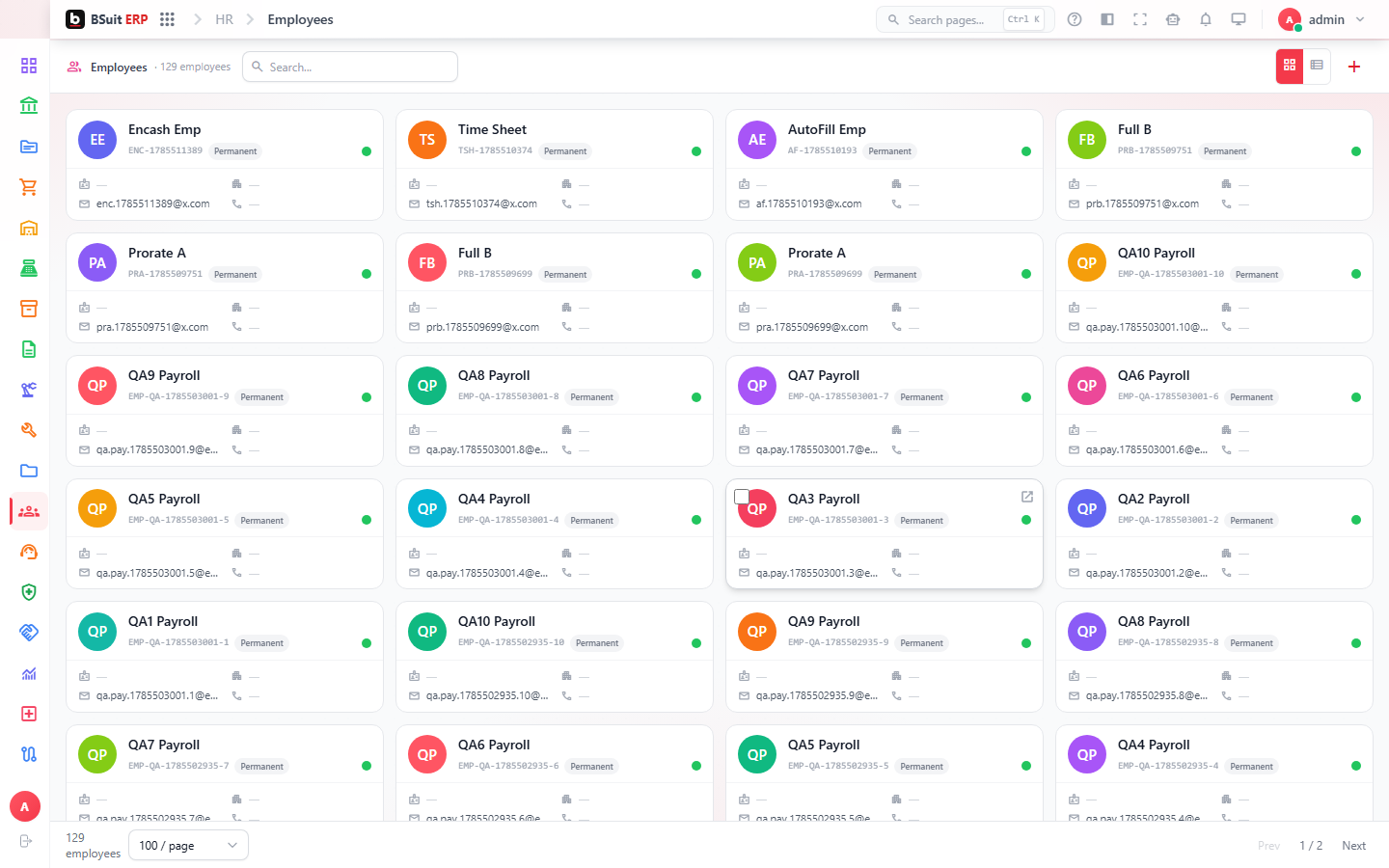
#How the module is organized
Departments and Designations define the org structure; Employees hold the actual people. Attendance (with Attendance Geofences and Attendance Delegations for coverage) tracks presence; Candidates and Candidate Applications cover recruitment before someone becomes an employee. Employee 360 pulls a single employee’s records — trainings, licenses, ID documents, grievances — into one view.
#Where to start
- Set up Departments and Designations before adding Employees.
- Use Employee 360 to see one person’s complete record rather than checking each sub-page separately.
- Attendance Geofences restrict where clock-in is accepted; Attendance Delegations let a manager approve on someone else’s behalf while they’re away.
- Track expirable requirements via Employee Licenses and Compliance Checklists.
- Recruitment starts at Candidates, not Employees — a candidate only becomes an employee after being hired.
About this guide
- Status
- Partially reviewed
- Application
- BSuit ERP
- Audience
- Staff (internal users)
- Owner
- BSuit documentation team
- Reviewer
- Not yet reviewed
- Last verified
- Never
- Checked against
- Generated from source revision a36c7a086 on 2026-10-02
- Seen on a running system
- Not yet
- Help version
- 2026.0.0-preview
- Guide ID
erp:article/modules/human-resources
Was this helpful?