Getting started with Projects
Plan and track work: Epics/Issues, Gantt/Kanban views, budgets, billing, and portfolio rollups.
On this page
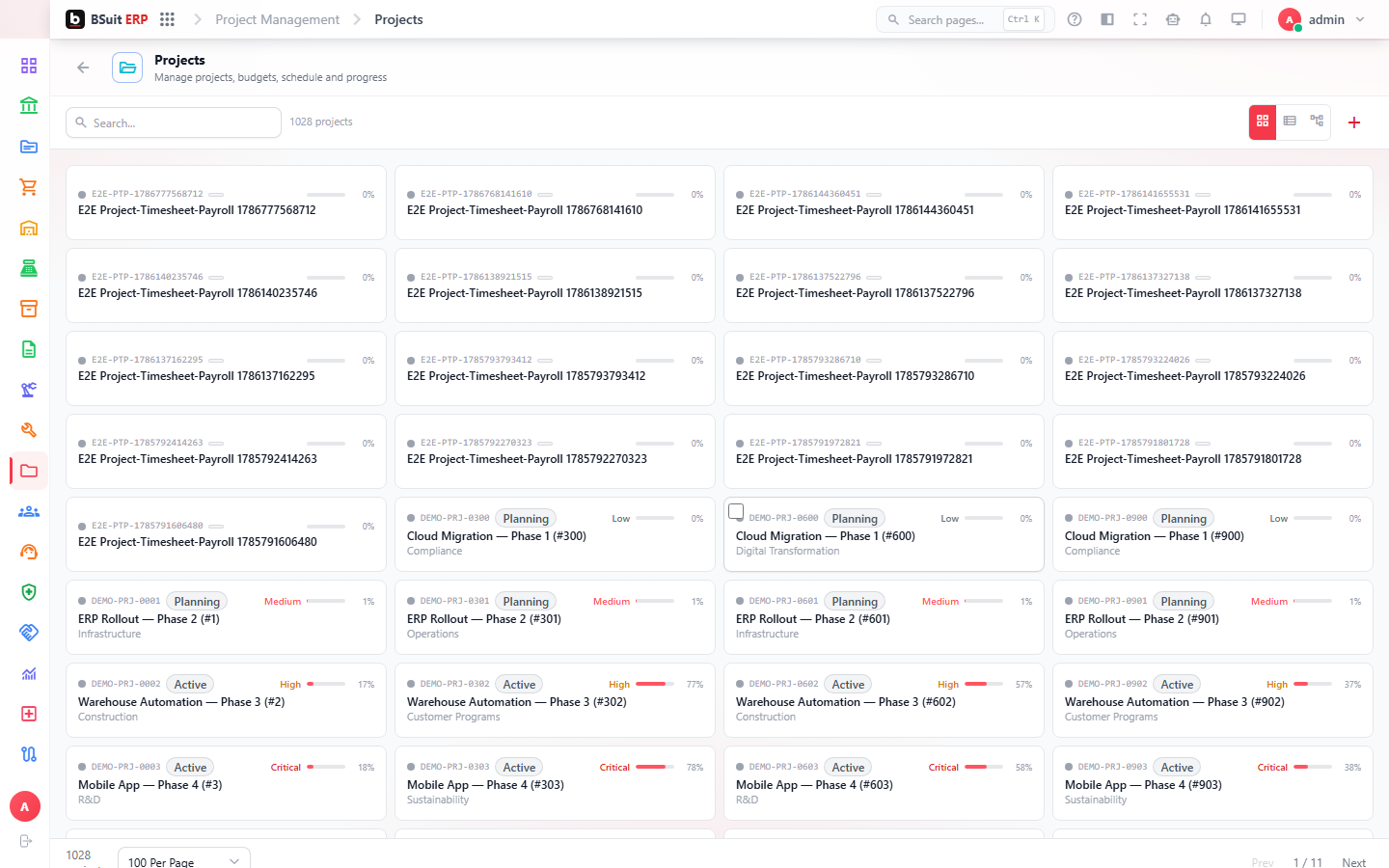
#How the module is organized
Projects contain Epics and Issues, viewable as a Gantt chart (schedule/dependencies) or Kanban board (status flow). Budget Lines and Cost Forecast & P&L track project financials; Billing turns tracked work/milestones into invoiceable amounts. Portfolio and Portfolio Scores roll many projects up for executive review.
#Where to start
- Set Budget Lines before work starts if cost tracking matters — Cost Forecast & P&L is only as accurate as the budget it compares against.
- Use Gantt for schedule/dependency planning and Kanban for day-to-day status — they show the same Issues differently.
- Change Orders formally capture scope changes that affect budget or schedule, rather than editing the original plan.
- Calendar Exceptions (holidays, non-working days) affect Gantt scheduling — set them up per Calendar before relying on calculated dates.
About this guide
- Status
- Partially reviewed
- Application
- BSuit ERP
- Audience
- Staff (internal users)
- Owner
- BSuit documentation team
- Reviewer
- Not yet reviewed
- Last verified
- Never
- Checked against
- Generated from source revision a36c7a086 on 2026-10-02
- Seen on a running system
- Not yet
- Help version
- 2026.0.0-preview
- Guide ID
erp:article/modules/projects
Was this helpful?