Getting started with Reports & Analytics
Self-service report building, scheduled delivery, metric alerts, and Power BI integration.
On this page
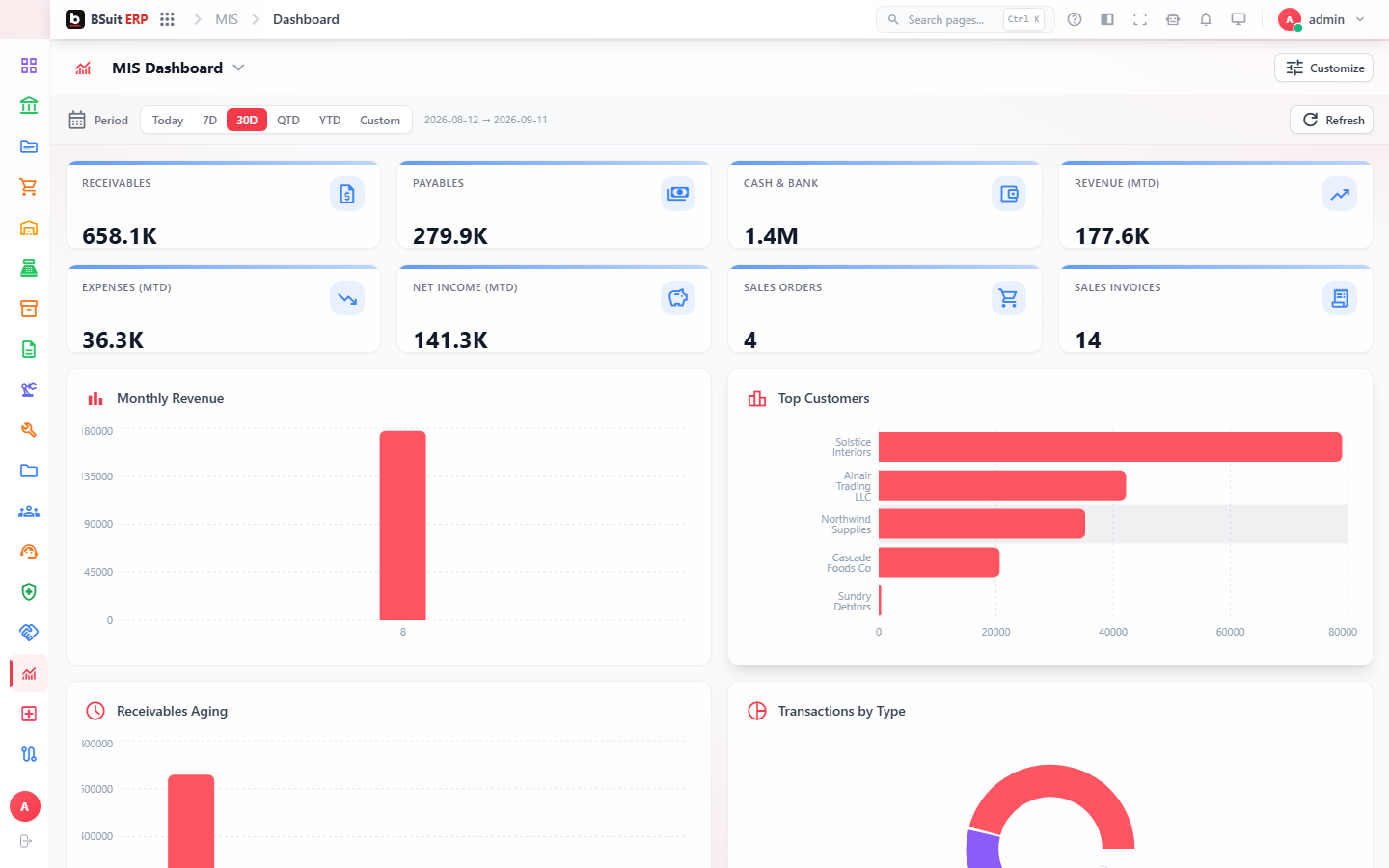
#How the module is organized
Builder is the self-service report designer (Mis); Scheduled Reports automates delivering a built report on a recurring basis. Metrics and Alerts let you get notified when a number crosses a threshold instead of checking a Dashboard manually. Power BI Reports embeds external Power BI content alongside BSuit’s own.
#Where to start
- Build and save a report in Builder before trying to schedule it — Scheduled Reports runs an existing report, it doesn’t create one.
- Set Alerts on the metrics that actually need proactive attention — not every Metric needs one.
- Power BI Reports requires the external Power BI workspace to already be configured and shared; it doesn’t build Power BI content itself.
About this guide
- Status
- Partially reviewed
- Application
- BSuit ERP
- Audience
- Staff (internal users)
- Owner
- BSuit documentation team
- Reviewer
- Not yet reviewed
- Last verified
- Never
- Checked against
- Generated from source revision a36c7a086 on 2026-10-02
- Seen on a running system
- Not yet
- Help version
- 2026.0.0-preview
- Guide ID
erp:article/modules/reports-analytics
Was this helpful?