Getting started with Restaurant
Floor/table management, reservations, modifiers, and order-taking for dine-in service.
On this page
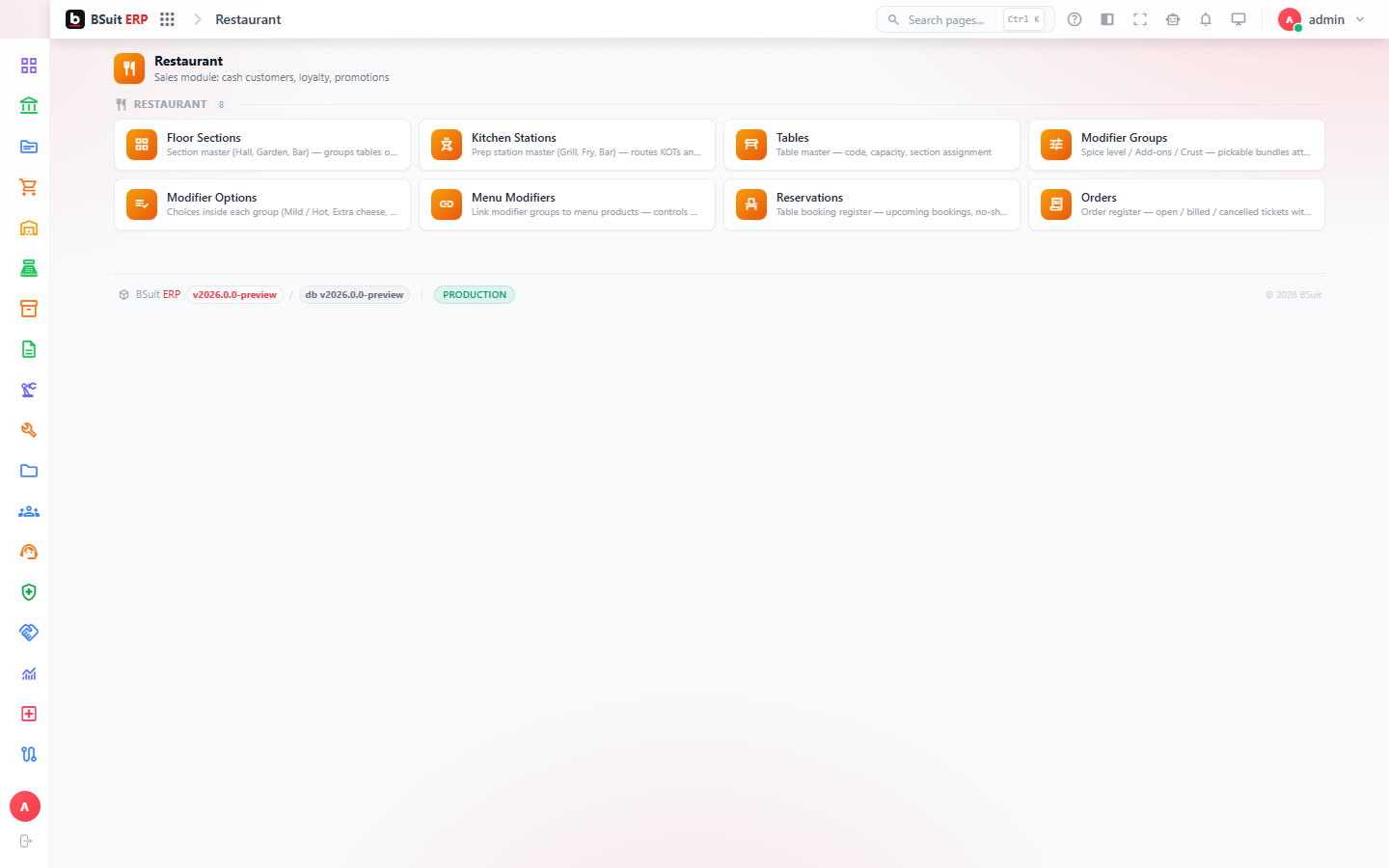
#How the module is organized
Floor Sections and Tables define the physical layout; Reservations book a Table for a future time. Modifier Groups and Modifier Options attach customizations (size, add-ons, spice level) to menu items at order time; Orders is where those all come together at service.
#Where to start
- Set up Floor Sections and Tables before Reservations has anywhere to book against.
- Modifier Groups need to be attached to the relevant menu items — Menu Modifiers is where that assignment happens.
- A walk-in Order can be taken without a Reservation; a Reservation just guarantees the Table is held.
About this guide
- Status
- Partially reviewed
- Application
- BSuit ERP
- Audience
- Staff (internal users)
- Owner
- BSuit documentation team
- Reviewer
- Not yet reviewed
- Last verified
- Never
- Checked against
- Generated from source revision a36c7a086 on 2026-10-02
- Seen on a running system
- Not yet
- Help version
- 2026.0.0-preview
- Guide ID
erp:article/modules/restaurant
Was this helpful?