Getting started with Settings
Personal and workspace-level configuration: appearance, UI kit, and per-area preferences.
On this page
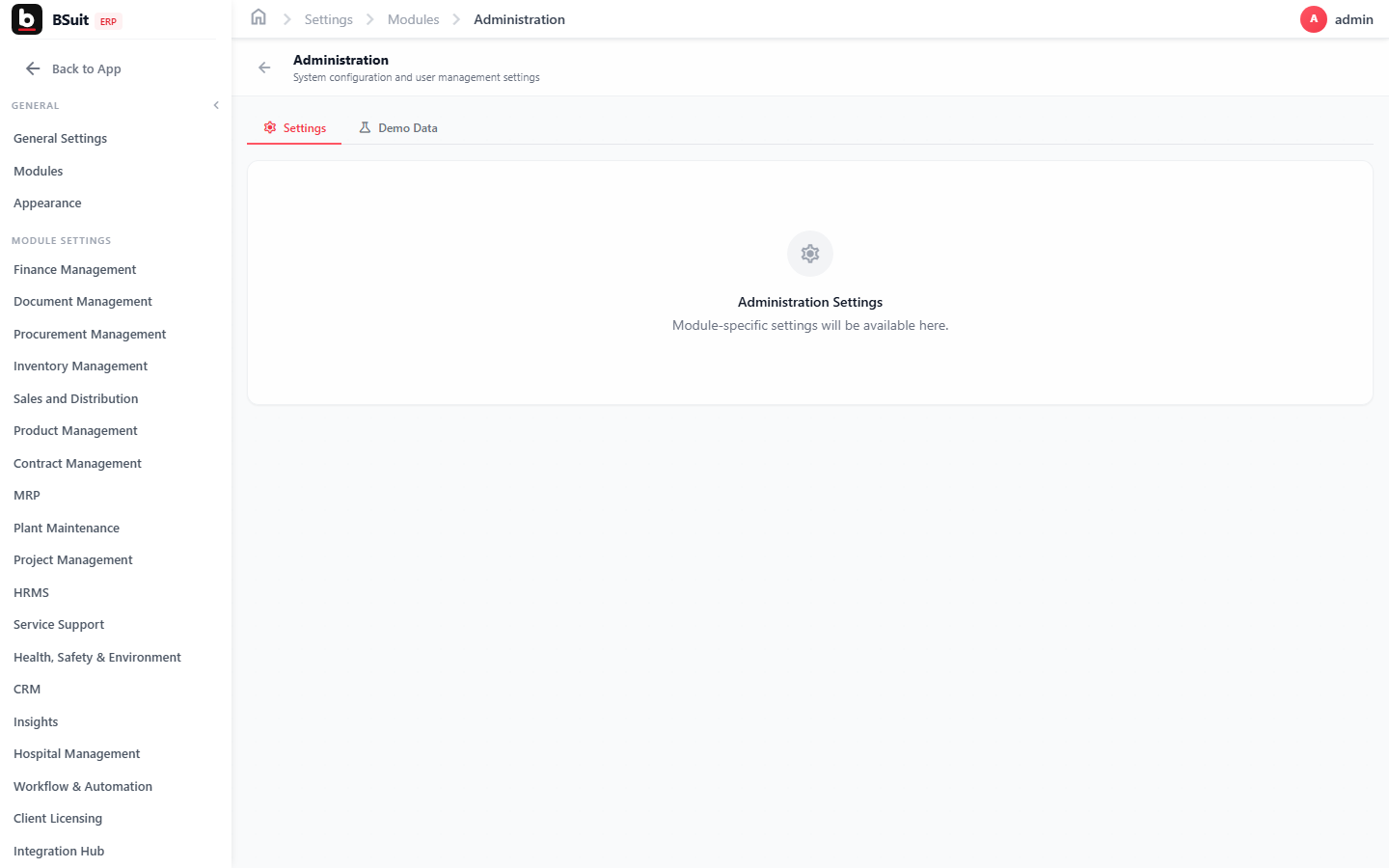
#How the module is organized
Appearance controls personal display preferences (theme, density); UI Kit exposes the underlying component styles used across BSuit, mainly relevant for admins customizing the look and feel. Finance and BSuit AI settings tabs here are shortcuts into those modules’ own configuration rather than separate settings systems.
#Where to start
- Appearance changes are personal — they don’t affect what other users see.
- UI Kit is a reference/preview surface, not something most end users need to touch.
- Module-specific settings (Finance, BSuit AI) are also reachable directly from within those modules — Settings just centralizes the shortcuts.
About this guide
- Status
- Partially reviewed
- Application
- BSuit ERP
- Audience
- Staff (internal users)
- Owner
- BSuit documentation team
- Reviewer
- Not yet reviewed
- Last verified
- Never
- Checked against
- Generated from source revision a36c7a086 on 2026-10-02
- Seen on a running system
- Not yet
- Help version
- 2026.0.0-preview
- Guide ID
erp:article/modules/settings
Was this helpful?