Getting started with the internal Support Portal
The internal agent console for status, knowledge base, ticket submission, and satisfaction ratings — distinct from the customer-facing website support pages.
On this page
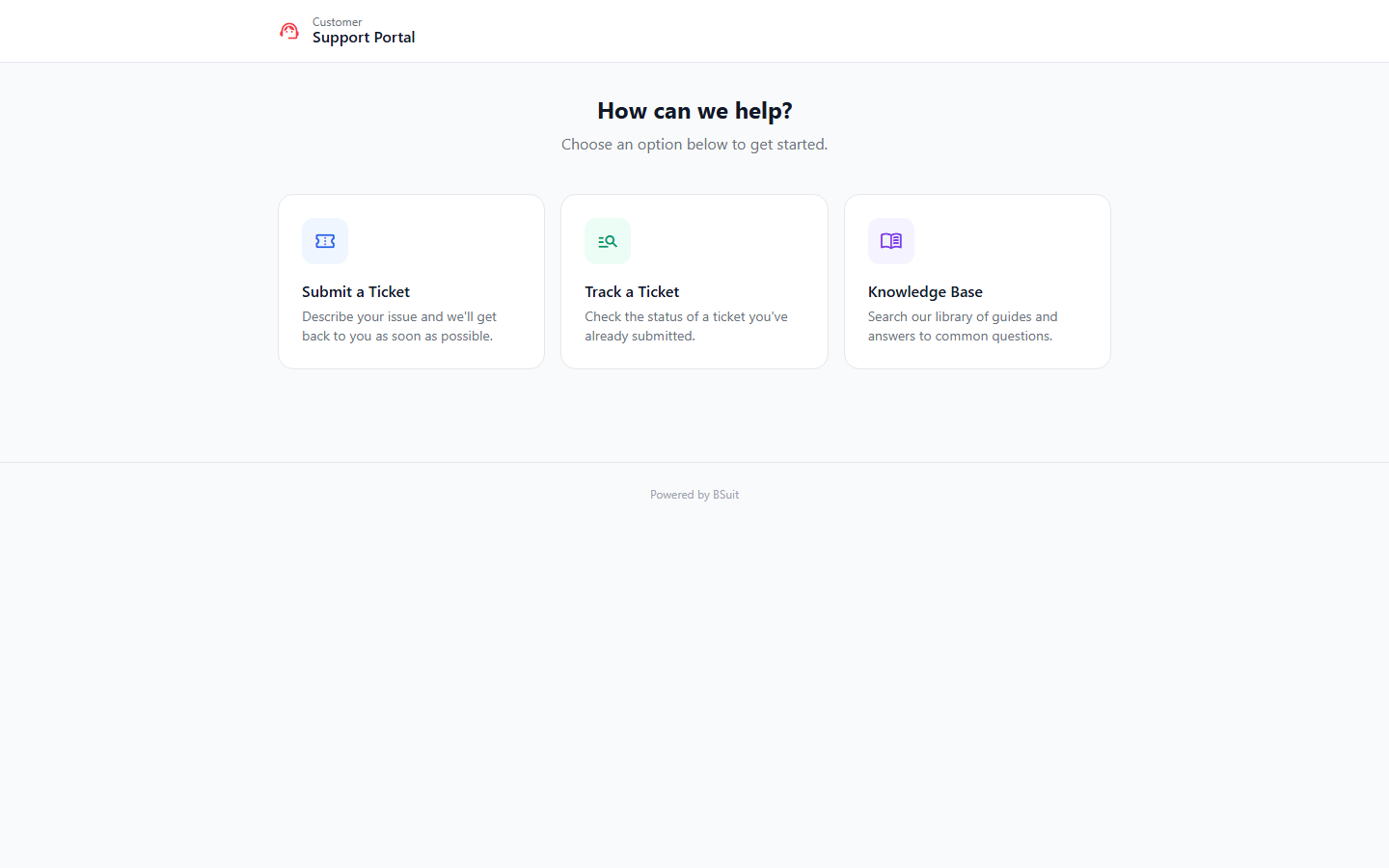
#How the module is organized
This is the ERP’s own internal support console — Status shows current system status, Kb is the internal knowledge base, and Submit files an internal support ticket. Rate captures satisfaction feedback after a ticket is resolved. This is separate from bsuit.erp.website’s customer-facing "Website Portal" support pages, and from the Service & Support module’s full ticketing system.
#Where to start
- Check Status and Kb before filing a new ticket via Submit — the answer may already be documented.
- Rate is typically prompted automatically after a ticket closes rather than accessed directly.
About this guide
- Status
- Partially reviewed
- Application
- BSuit ERP
- Audience
- Staff (internal users)
- Owner
- BSuit documentation team
- Reviewer
- Not yet reviewed
- Last verified
- Never
- Checked against
- Generated from source revision a36c7a086 on 2026-10-02
- Seen on a running system
- Not yet
- Help version
- 2026.0.0-preview
- Guide ID
erp:article/modules/support-portal
Was this helpful?