Getting started with Developer Studio
Extend BSuit itself: custom entities, business rules, Form Builder, and AI Studio.
On this page
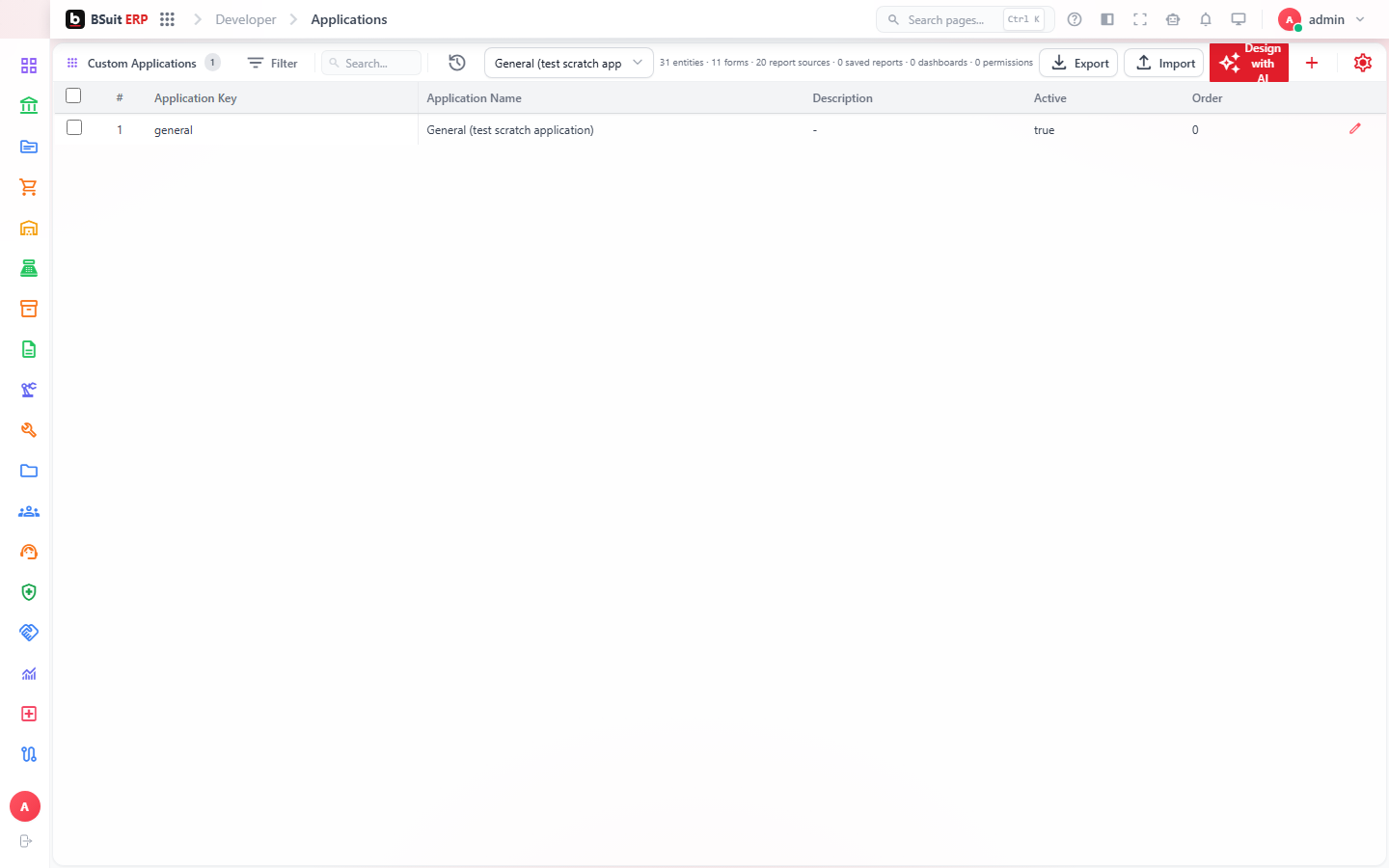
#How the module is organized
Entities defines custom data models beyond BSuit’s built-in ones; Formbuilder lays out how those entities (and customizations to standard ones) appear as forms. Business Rules attaches logic/validation to records; Applications and Change Requests manage what’s been built and approved for release. AI Studio covers BSuit’s AI-assisted features specifically.
#Where to start
- A custom Entity must exist before Formbuilder has anything to lay out a form for.
- Business Rules run on top of standard validation — use them for logic specific to your organization, not to replace built-in checks.
- Change Requests gate Developer Studio changes behind approval in most configurations — expect a review step before something goes live.
- Audit Configuration controls what gets logged for custom entities — review it if a custom object isn’t showing up in Audit Logs.
About this guide
- Status
- Partially reviewed
- Application
- BSuit ERP
- Audience
- Staff (internal users)
- Owner
- BSuit documentation team
- Reviewer
- Not yet reviewed
- Last verified
- Never
- Checked against
- Generated from source revision a36c7a086 on 2026-10-02
- Seen on a running system
- Not yet
- Help version
- 2026.0.0-preview
- Guide ID
erp:article/modules/developer-studio
Was this helpful?