Getting started with Employee Self-Service
What every employee sees for their own record: leave, expenses, payslips, assets, and requests.
On this page
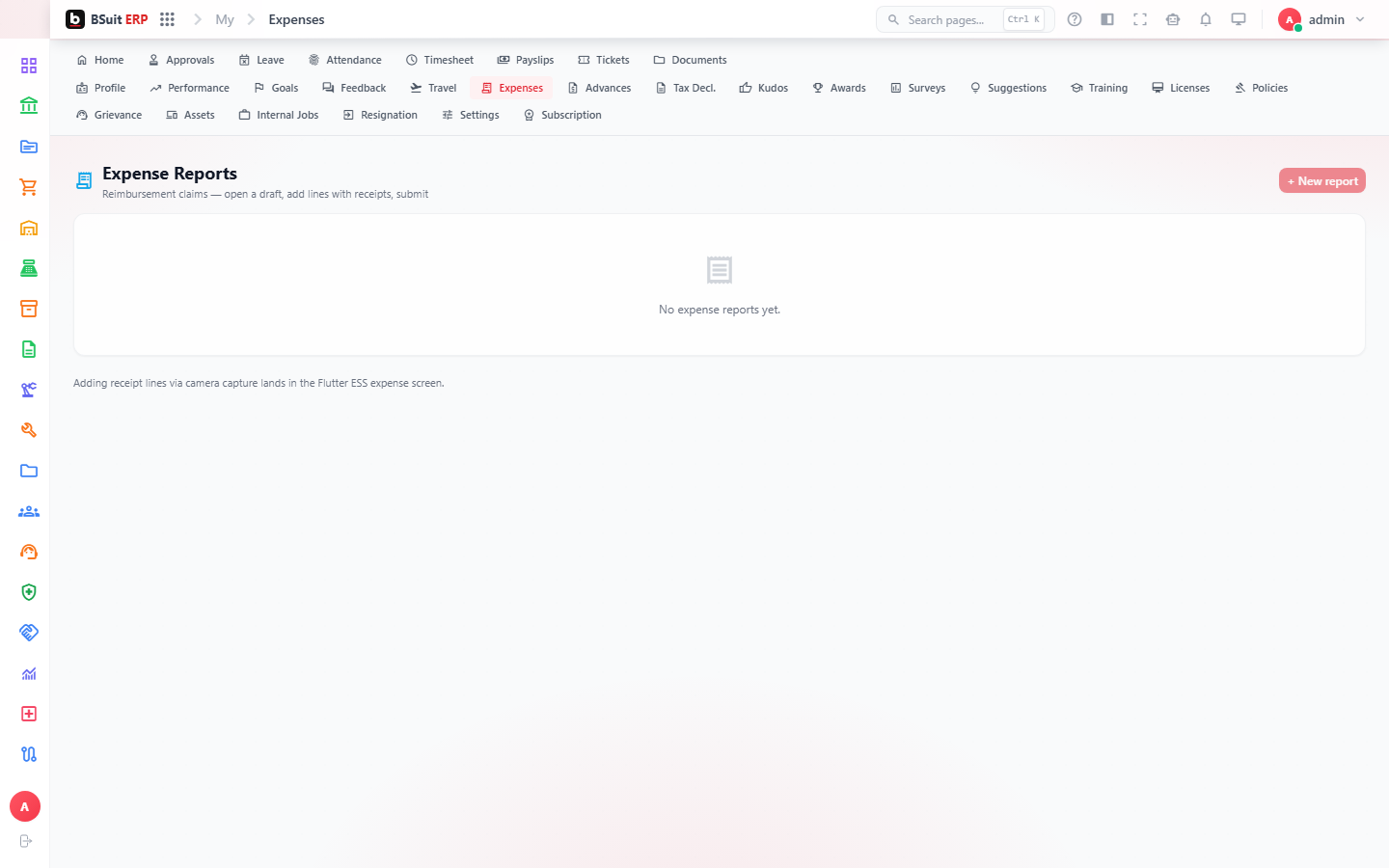
#How the module is organized
This is the employee-facing counterpart to the internal HR/Finance/Payroll modules — My Approvals and My Assets mirror records owned elsewhere, scoped to the signed-in employee. Expense Reports and Full & Final Settlement are self-initiated; Kudos Wall and Feedback are social/engagement features.
#Where to start
- My Approvals shows tasks waiting on this employee specifically, separate from the general Workflow Automation approvals queue.
- Expense Reports need receipts attached before submission in most configurations.
- Full & Final Settlement is only relevant at offboarding — it won’t appear for an active employee otherwise.
- Change password is self-service and doesn’t require IT unless MFA is also involved.
About this guide
- Status
- Partially reviewed
- Application
- BSuit ERP
- Audience
- Staff (internal users)
- Owner
- BSuit documentation team
- Reviewer
- Not yet reviewed
- Last verified
- Never
- Checked against
- Generated from source revision a36c7a086 on 2026-10-02
- Seen on a running system
- Not yet
- Help version
- 2026.0.0-preview
- Guide ID
erp:article/modules/employee-self-service
Was this helpful?