Getting started with Finance & Accounting
Chart of accounts, journals, payments, budgets, and reconciliation — the financial core every posting module feeds into.
On this page
#How the module is organized
Master data (Cost Centers, Banks, Beneficiaries, Asset Categories, Balance Sheet Templates) defines the structures other records post against. Transaction documents (Bank/Cash Payment and Receipt, Cheque Payment/Receipt, Contra Deposit/Withdrawal) record actual money movement and post to the ledger once approved.
#Where to start
- Set up Cost Centers and Banks before recording any payment.
- Use Bank Reconciliation and Bank Statement Import & Auto-Match to keep bank balances accurate.
- Review AP Aging and AR Aging for outstanding payables/receivables.
- Use Budget Allocations and Budget Approvals if spending controls are enabled.
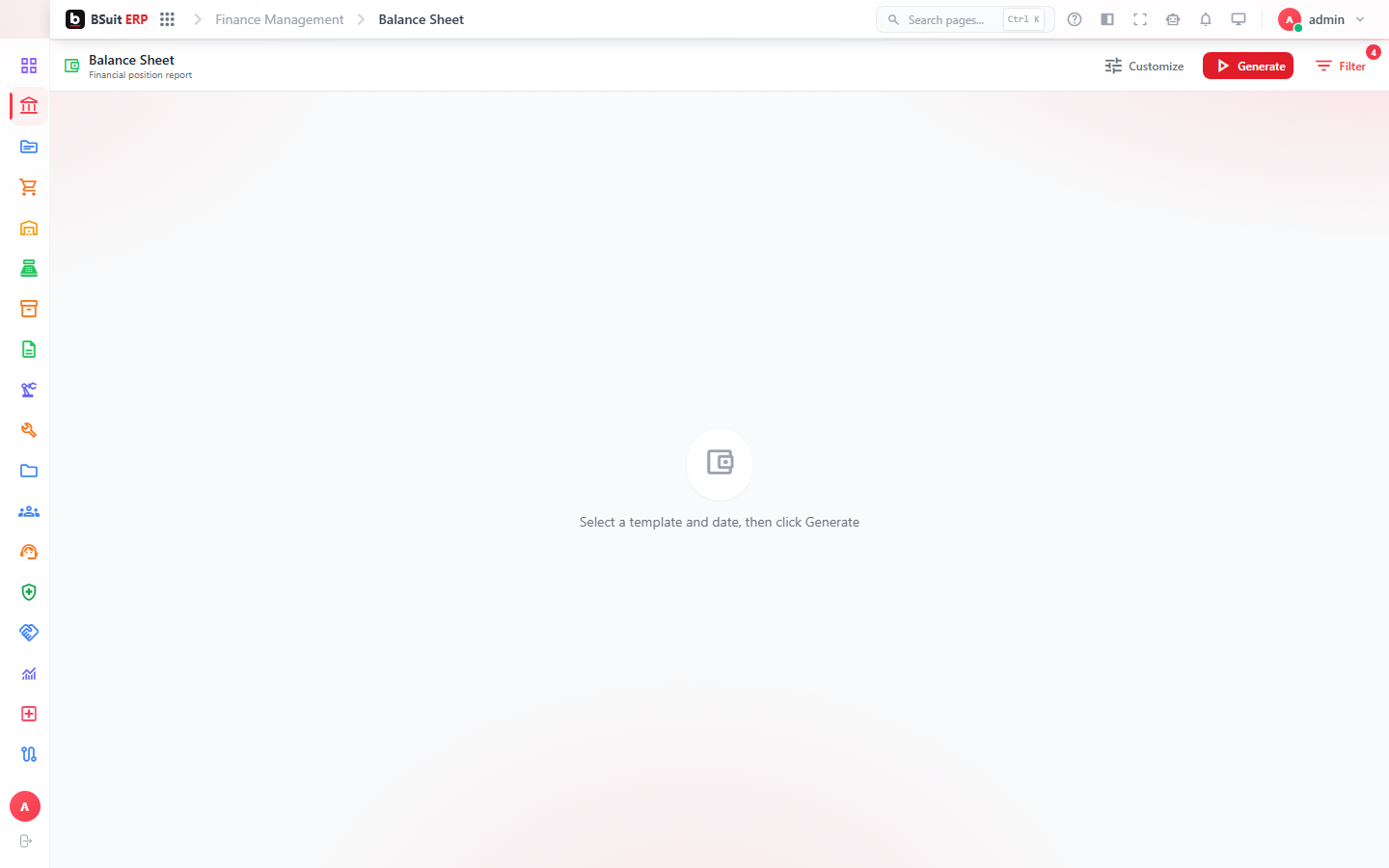
- Balance Sheet and the Balance Sheet Templates page control how financial statements are laid out.
About this guide
- Status
- Partially reviewed
- Application
- BSuit ERP
- Audience
- Staff (internal users)
- Owner
- BSuit documentation team
- Reviewer
- Not yet reviewed
- Last verified
- Never
- Checked against
- Generated from source revision a36c7a086 on 2026-10-02
- Seen on a running system
- Not yet
- Help version
- 2026.0.0-preview
- Guide ID
erp:article/modules/finance-accounting
Was this helpful?