Getting started with Manufacturing
BOMs, routings, production orders, MRP runs, and quality inspections.
On this page
#How the module is organized
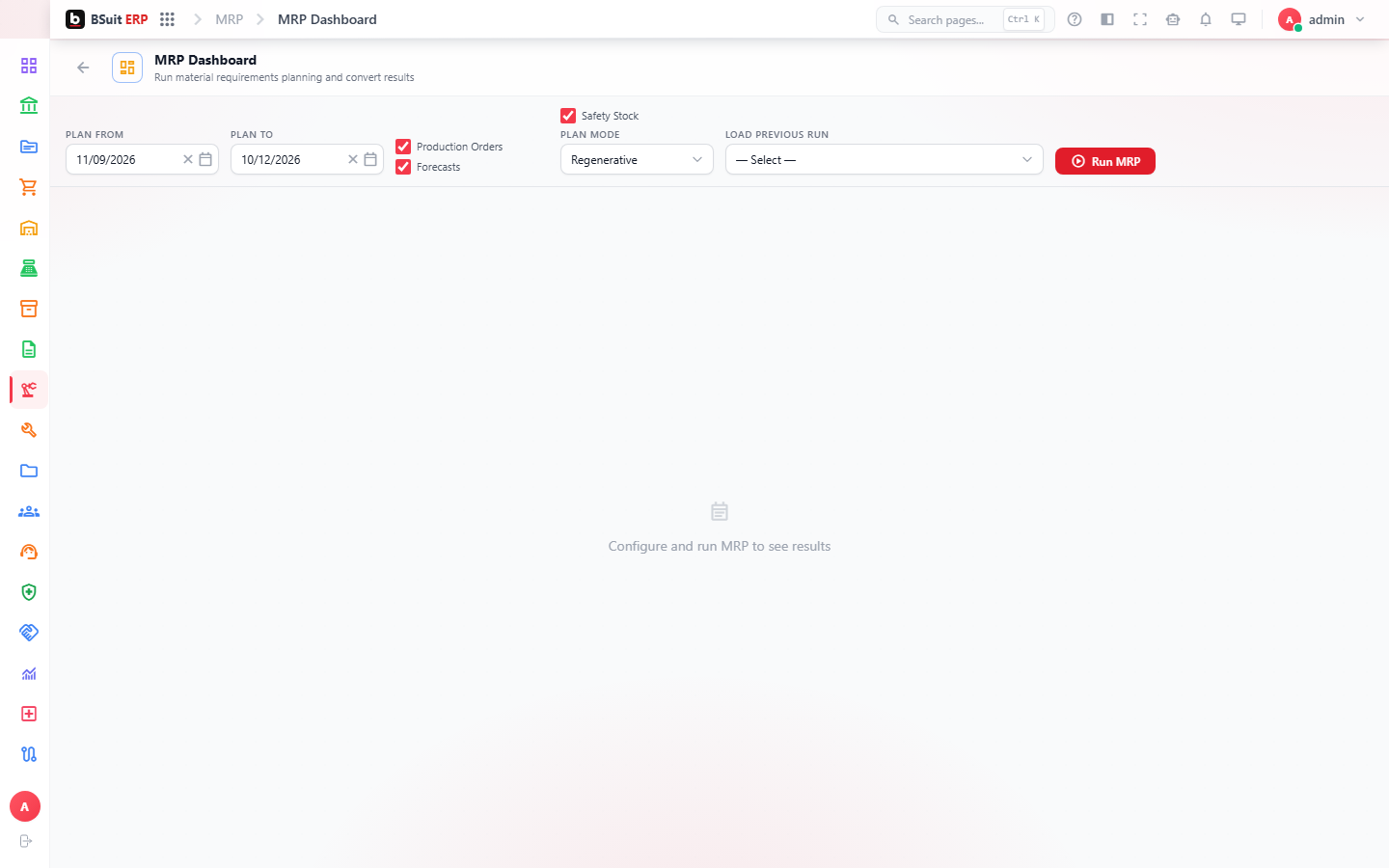
Boms (Bills of Material) and Routings define what a product needs and how it’s built; Production Orders execute that against real demand. MRP Runs and Demand Forecasts calculate what to produce and when; Quality Inspections and Quality Parameters gate output before it’s accepted. Design Boms and Engineering Change Orders manage BOM revisions over time.
#Where to start
- A Bom must exist and be approved before a Production Order can be raised against it.
- MRP Runs is a planning calculation, not a transaction — it suggests Production Orders/Purchase Orders rather than creating them automatically in most setups.
- Capacity Schedule shows whether a Routing’s work centers have available time before committing to a due date.
- Engineering Change Orders should be used for any BOM revision after production has started, not a direct edit.
About this guide
- Status
- Partially reviewed
- Application
- BSuit ERP
- Audience
- Staff (internal users)
- Owner
- BSuit documentation team
- Reviewer
- Not yet reviewed
- Last verified
- Never
- Checked against
- Generated from source revision a36c7a086 on 2026-10-02
- Seen on a running system
- Not yet
- Help version
- 2026.0.0-preview
- Guide ID
erp:article/modules/manufacturing
Was this helpful?