Getting started with Procurement
Purchase-to-pay: RFQ/Quotation → Purchase Order → Invoice, with supplier scorecards and 3-way match.
On this page
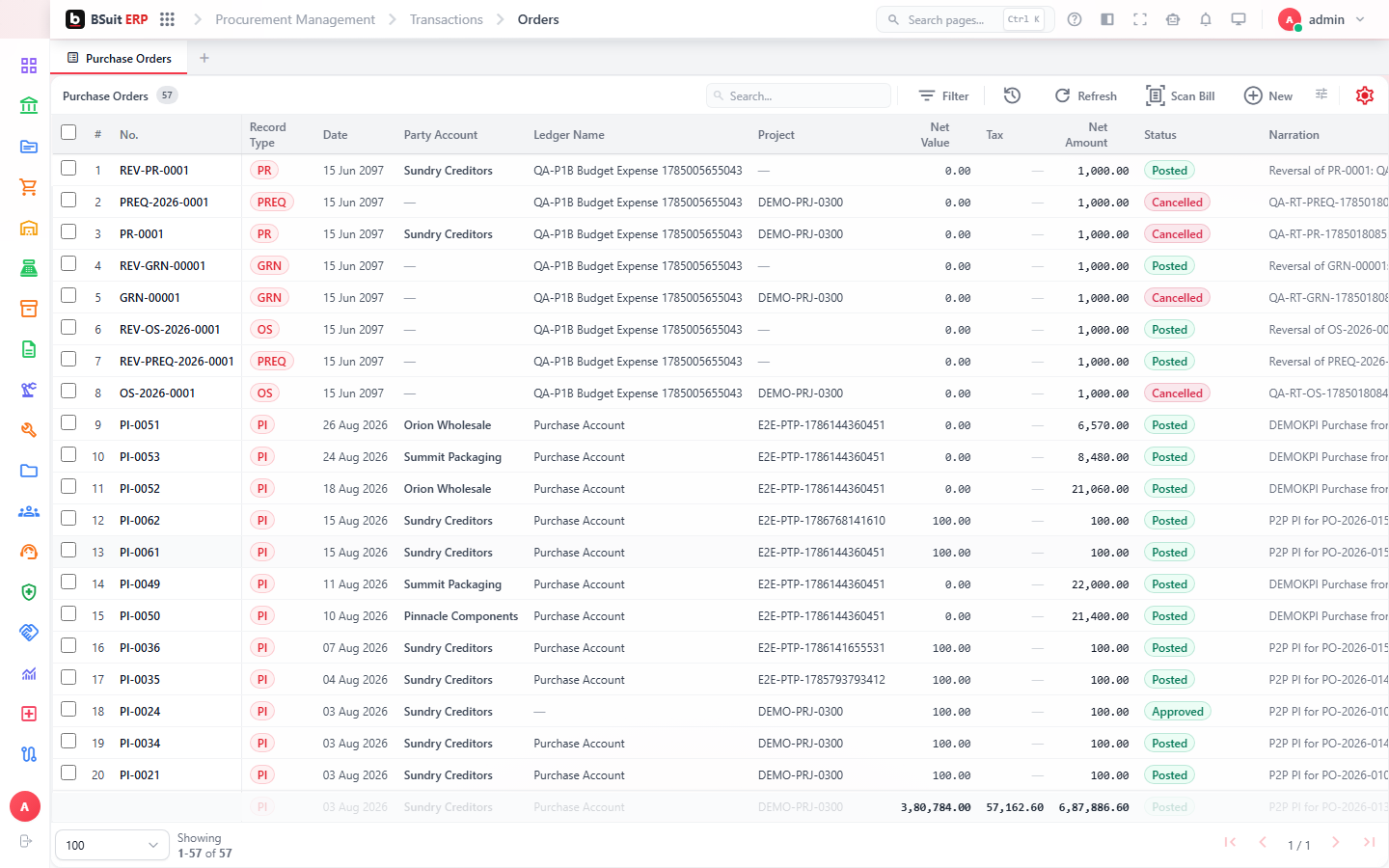
#How the module is organized
The core flow is Purchase Quotation/RFQ → Purchase Order → Purchase Invoice, with Purchase Return and Purchase Estimate covering reversals and informal pricing. Match Config and Match Results implement 3-way matching (PO / receipt / invoice) before an invoice is approved for payment. Supplier Scorecards and Blanket Agreements manage the vendor relationship itself.
#Where to start
- RFQs (Rfqs) let multiple suppliers bid before a Purchase Order is raised — skip it for routine repeat purchases.
- Blanket Agreements cover pre-negotiated long-term pricing so individual POs don’t need re-quoting.
- Match Results shows why an invoice is blocked — check it before assuming an approval issue.
- Advance Shipment Notices let a supplier tell you what’s coming before it physically arrives.
- Opening Stock is a one-time setup transaction, not part of the regular purchase cycle.
About this guide
- Status
- Partially reviewed
- Application
- BSuit ERP
- Audience
- Staff (internal users)
- Owner
- BSuit documentation team
- Reviewer
- Not yet reviewed
- Last verified
- Never
- Checked against
- Generated from source revision a36c7a086 on 2026-10-02
- Seen on a running system
- Not yet
- Help version
- 2026.0.0-preview
- Guide ID
erp:article/modules/procurement
Was this helpful?