Getting started with Transport
Consignments, containers, trip sheets, and track & trace for freight/logistics.
On this page
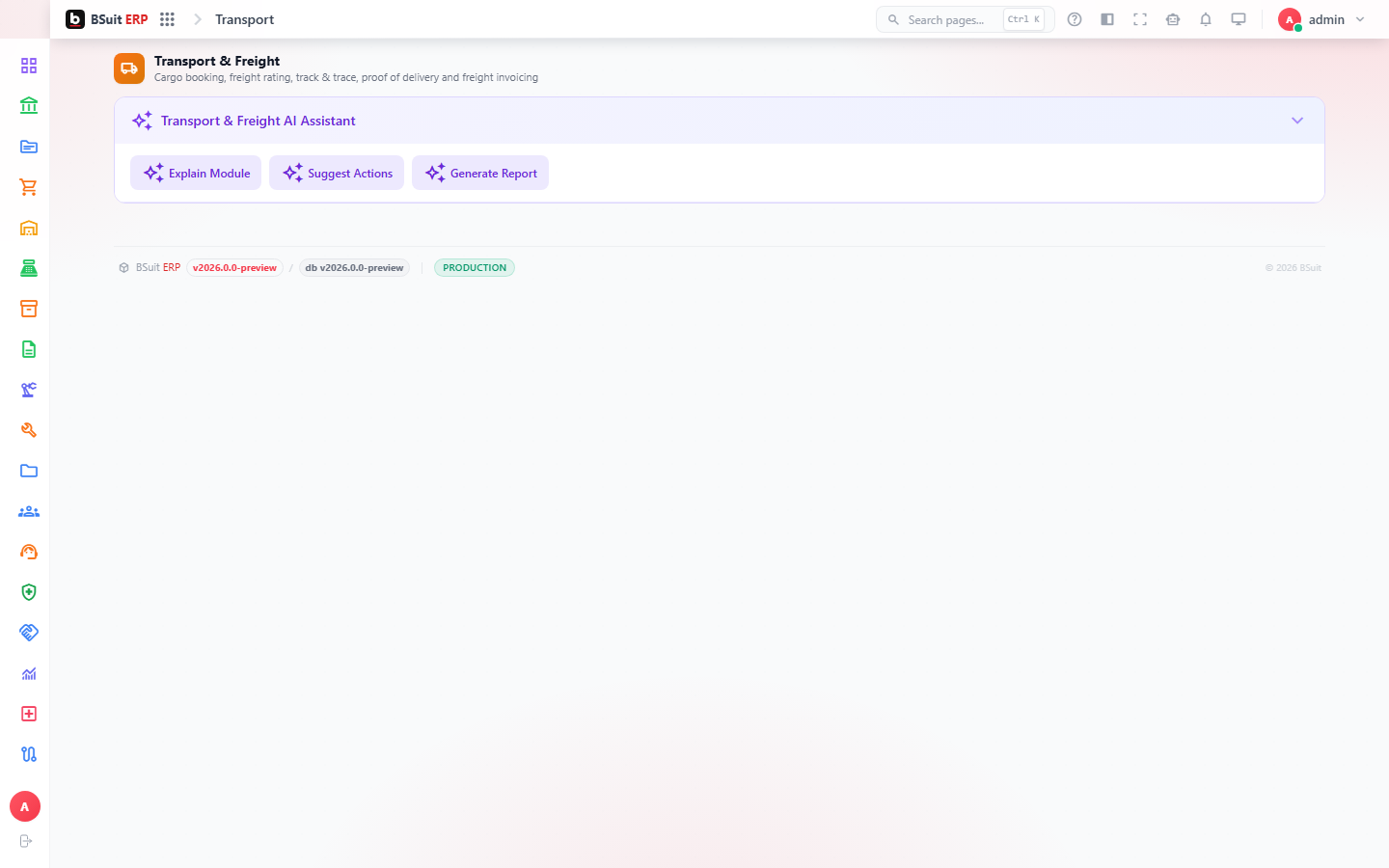
#How the module is organized
Consignments (with Consignment Legs for multi-leg journeys) are the core shipment record; Containers track the physical unit goods travel in. Trip Sheets and Trip Sheet Expenses cover a vehicle/driver’s actual journey and its costs; Rate Cards and Rate Lines determine what a consignment is billed at; Track & Trace exposes shipment status.
#Where to start
- A multi-leg journey needs Consignment Legs set up under the parent Consignment, not separate top-level consignments.
- Rate Cards must match the consignment’s lane/mode for Consignment Charges to calculate correctly.
- Trip Sheets consolidate multiple consignments onto one vehicle journey — use it for planning, not per-shipment tracking.
- Track & Trace reflects the latest logged status — confirm Trip Sheets is being updated in the field if status looks stale.
About this guide
- Status
- Partially reviewed
- Application
- BSuit ERP
- Audience
- Staff (internal users)
- Owner
- BSuit documentation team
- Reviewer
- Not yet reviewed
- Last verified
- Never
- Checked against
- Generated from source revision a36c7a086 on 2026-10-02
- Seen on a running system
- Not yet
- Help version
- 2026.0.0-preview
- Guide ID
erp:article/modules/transport
Was this helpful?