Serial Numbers
Reference for Serial Numbers in Inventory & Warehouse.
On this page
#About Serial Numbers
This is a working page: a list or workspace where you find and act on records in BSuit ERP (Inventory & Warehouse). It is used by staff (internal users). What you can see and do depends on your role and permissions.
#How to open it
In BSuit ERP, open Inventory & Warehouse and choose “Serial Numbers”, or go directly to the address /inventory-management/serial-numbers.
#What you can do here
These controls are present in the page’s implementation. Whether you see a given one also depends on your permissions and on the data shown.
- Change existing records.
- Delete records (you are asked to confirm).
- Search within the page.
- Filter the data shown.
- Sort by a column.
- Page through long lists.
- Some controls depend on your permissions.
#Data stored for each record
The form layout of this page could not be read from its source, so here is everything BSuit stores for a serialnumber (see also the SerialNumber data reference). Which fields appear on screen depends on the page and your configuration.
| Field | Stored as | Type | Required | Max length | Refers to |
|---|---|---|---|---|---|
| Company Id | CompanyId | Text | No | — | Company |
| Serial | Serial | Text | No | — | — |
| Barcode | Barcode | Text | No | — | — |
| Barcode Type | BarcodeType | Text | No | — | — |
| Product Id | ProductId | Text | No | — | Product |
| Batch Id | BatchId | Text | No | — | Batch |
| Warehouse Id | WarehouseId | Text | No | — | Warehouse |
| Status | Status | Text | No | — | — |
| Purchase Date | PurchaseDate | Date | No | — | — |
| Warranty Expiry | WarrantyExpiry | Date | No | — | — |
| Notes | Notes | Text | No | — | — |
| Imei1 | Imei1 | Text | No | — | — |
| Imei2 | Imei2 | Text | No | — | — |
| Source Type | SourceType | Text | No | — | — |
| Source Transaction Id | SourceTransactionId | Text | No | — | — |
| Source Line Id | SourceLineId | Text | No | — | — |
| Recorded At | RecordedAt | Date and time | No | — | — |
| Sale Transaction Id | SaleTransactionId | Text | No | — | — |
| Sold At | SoldAt | Date and time | No | — | — |
| Batch | Batch | Text | No | — | — |
| Warehouse | Warehouse | Text | No | — | — |
| Id | Id | Text | No | — | — |
| Created At | CreatedAt | Date and time | No | — | — |
| Updated At | UpdatedAt | Date and time | No | — | — |
| Is Deleted | IsDeleted | Yes / No | No | — | — |
#What the list shows
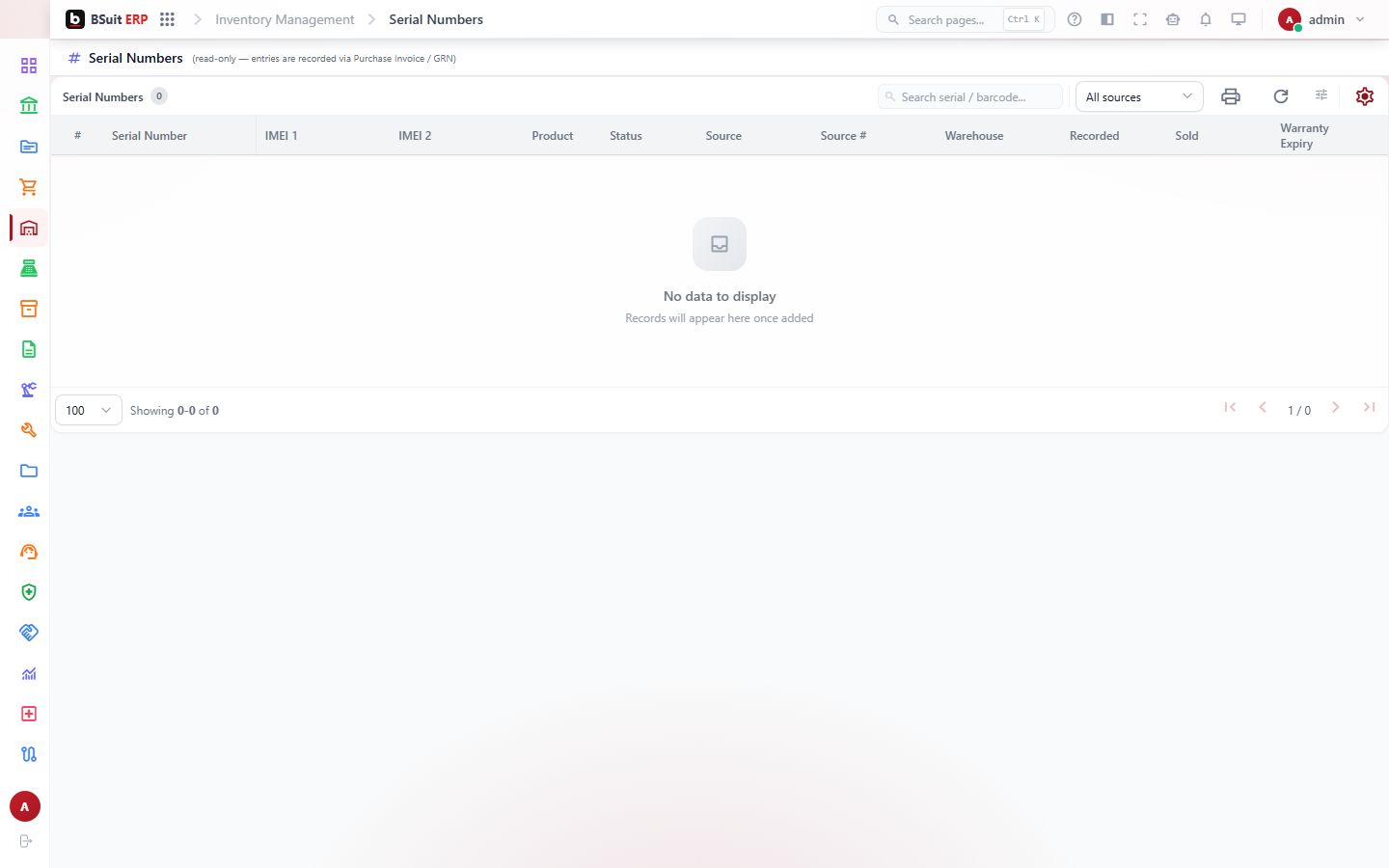
The list displays these columns; use search and filters to narrow it.
- Serial Number
- IMEI 1
- IMEI 2
- Product
- Status
- Source
- Source #
- Warehouse
- Recorded
- Sold
- Warranty Expiry
#Observed on a running system
On 2026-09-21 this page was opened in a browser as a test administrator and did not load cleanly: blank.
#If something is missing or fails
- No data: confirm the company or context selected in the top bar, and any filters or date range in use.
- An action is hidden or disabled: it usually needs a permission your role does not have. Ask an administrator to check your effective access.
- An error message appears: note the message, the page address and what you were doing, and contact support with those details (never include passwords).
#About this guide
This guide was generated from the page’s implementation. It has not yet been reviewed by a person against a running system, so treat it as a reference for what the page contains rather than a complete procedure.
About this guide
- Status
- Partially reviewed
- Application
- BSuit ERP
- Audience
- Staff (internal users)
- Owner
- BSuit documentation team
- Reviewer
- Not yet reviewed
- Last verified
- Never
- Checked against
- Generated from source revision a36c7a086 on 2026-10-02
- Seen on a running system
- 2026-09-21 — blank
- Help version
- 2026.0.0-preview
- Guide ID
erp:/inventory-management/serial-numbers