Match Config
Tolerance config — matching engine wire-in is follow-up
On this page
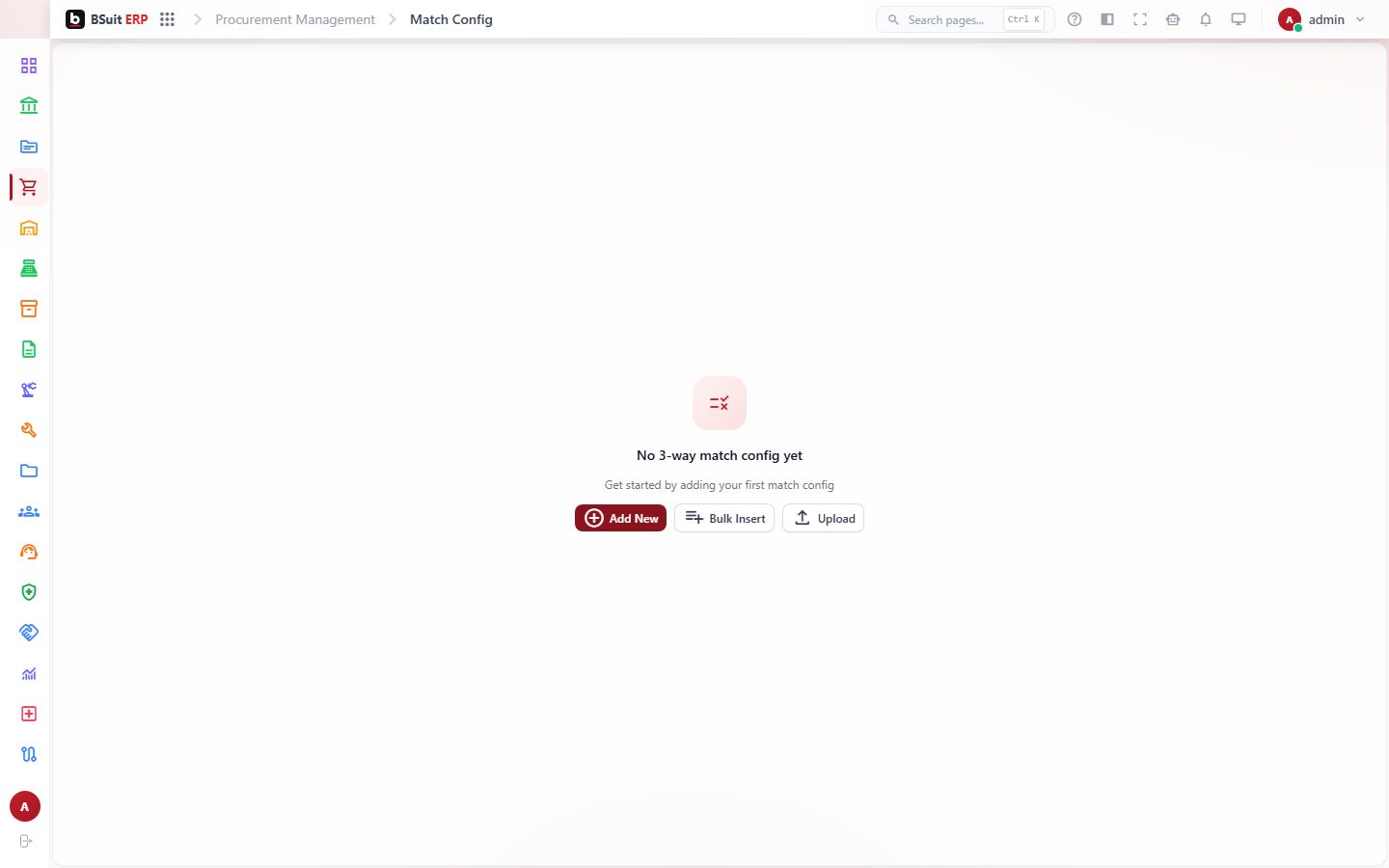
#About Match Config
Tolerance config — matching engine wire-in is follow-up. This is a settings page that configures how BSuit behaves in BSuit ERP (Procurement). It is used by staff (internal users). What you can see and do depends on your role and permissions.
#How to open it
In BSuit ERP, open Procurement and choose “Match Config”, or go directly to the address /procurement-management/match-config.
#What you can do here
These controls are present in the page’s implementation. Whether you see a given one also depends on your permissions and on the data shown.
- Add new records — a form opens for the details.
- Change existing records.
- Delete records (you are asked to confirm).
- Bring records in from a file.
- Export what you see to a file.
- Print or save as PDF.
- Attach or upload files.
- Search within the page.
- Filter the data shown.
- Sort by a column.
- Page through long lists.
- Open dialogs or drawers for detail and confirmation.
#Fields
When you enter or change a match config, these fields are on the form. Required fields must be completed before you can save.
| Field | Type | Required | Details | Refers to |
|---|---|---|---|---|
| Price tolerance (absolute) | number | No | — | — |
| Price tolerance % | number | No | — | — |
| Quantity tolerance (absolute) | number | No | — | — |
| Quantity tolerance % | number | No | — | — |
| In-tolerance action | select | Yes | One of: Auto-approve, Flag for review, Block. | — |
| Out-of-tolerance action | select | Yes | One of: Flag for review, Block. | — |
| Require match before posting to GL | checkbox | No | — | — |
| Notes | textarea | No | — | — |
#What the list shows
The list displays these columns; use search and filters to narrow it.
- Price tol
- Price tol %
- Qty tol
- Qty tol %
- In-tol action
- Out-of-tol action
- Require match
#How to add a match config
Steps follow this page’s form. You need permission to create records here.
- Open Procurement › Match Config from the menu.
- Choose the Add button (a plus icon) above the list. The form opens in a dialog.
- Complete the required fields: In-tolerance action, Out-of-tolerance action.
- Some fields offer a fixed list: In-tolerance action: Auto-approve, Flag for review, Block; Out-of-tolerance action: Flag for review, Block.
- Save. The new record appears in the list; use search or the filters to find it again.
- To change it later, open the record from the list and edit it.
- Deleting asks you to confirm. Records that other records refer to may be refused or may affect them (see “Where … is used as a reference”).
#Observed on a running system
On 2026-09-21 this page was opened in a browser as a test administrator. This is what was visible on screen. Your own view can differ with your role, data and settings.
| Button |
|---|
| Filter |
| History |
| Add (plus icon) |
| Settings (cog icon) |
| Price tol |
| Price tol % |
| Qty tol |
| Qty tol % |
| In-tol action |
| Out-of-tol action |
| Require match |
| Edit (pencil icon) |
#If something is missing or fails
- No data: confirm the company or context selected in the top bar, and any filters or date range in use.
- An action is hidden or disabled: it usually needs a permission your role does not have. Ask an administrator to check your effective access.
- An error message appears: note the message, the page address and what you were doing, and contact support with those details (never include passwords).
#About this guide
This guide was generated from the page’s implementation. It has not yet been reviewed by a person against a running system, so treat it as a reference for what the page contains rather than a complete procedure.
About this guide
- Status
- Partially reviewed
- Application
- BSuit ERP
- Audience
- Staff (internal users)
- Owner
- BSuit documentation team
- Reviewer
- Not yet reviewed
- Last verified
- Never
- Checked against
- Generated from source revision a36c7a086 on 2026-10-02
- Seen on a running system
- 2026-09-21
- Help version
- 2026.0.0-preview
- Guide ID
erp:/procurement-management/match-config