Approvals and workflow tasks
Submit records, act on approval tasks, and understand status changes and audit history.
On this page
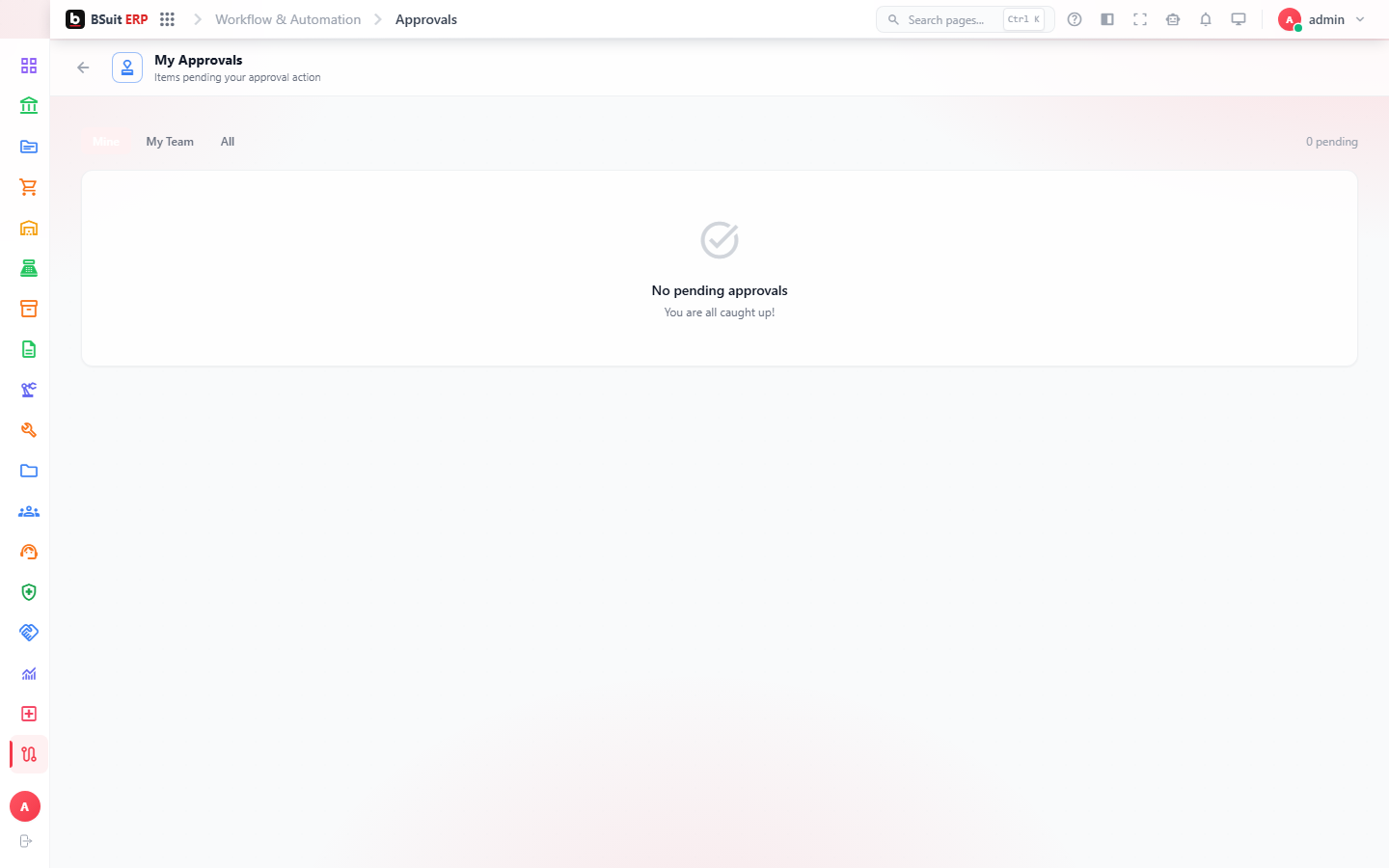
#Submit for approval
- Complete required record information.
- Resolve validation warnings.
- Select Submit and add a useful comment when requested.
- Track the record status or workflow timeline.
#Approve or reject
Open the assigned task, review the record and supporting files, then approve, reject, or return it according to your authority. The decision and comment are retained in the audit trail.
About this guide
- Status
- Partially reviewed
- Application
- BSuit ERP
- Audience
- Staff (internal users)
- Owner
- BSuit documentation team
- Reviewer
- Not yet reviewed
- Last verified
- Never
- Checked against
- Generated from source revision a36c7a086 on 2026-10-02
- Seen on a running system
- 2026-09-21
- Help version
- 2026.0.0-preview
- Guide ID
erp:/workflow-automation/approvals
Was this helpful?